






























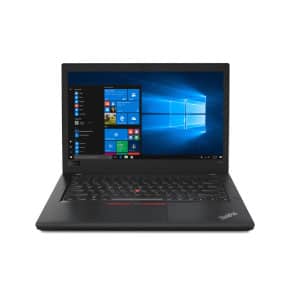
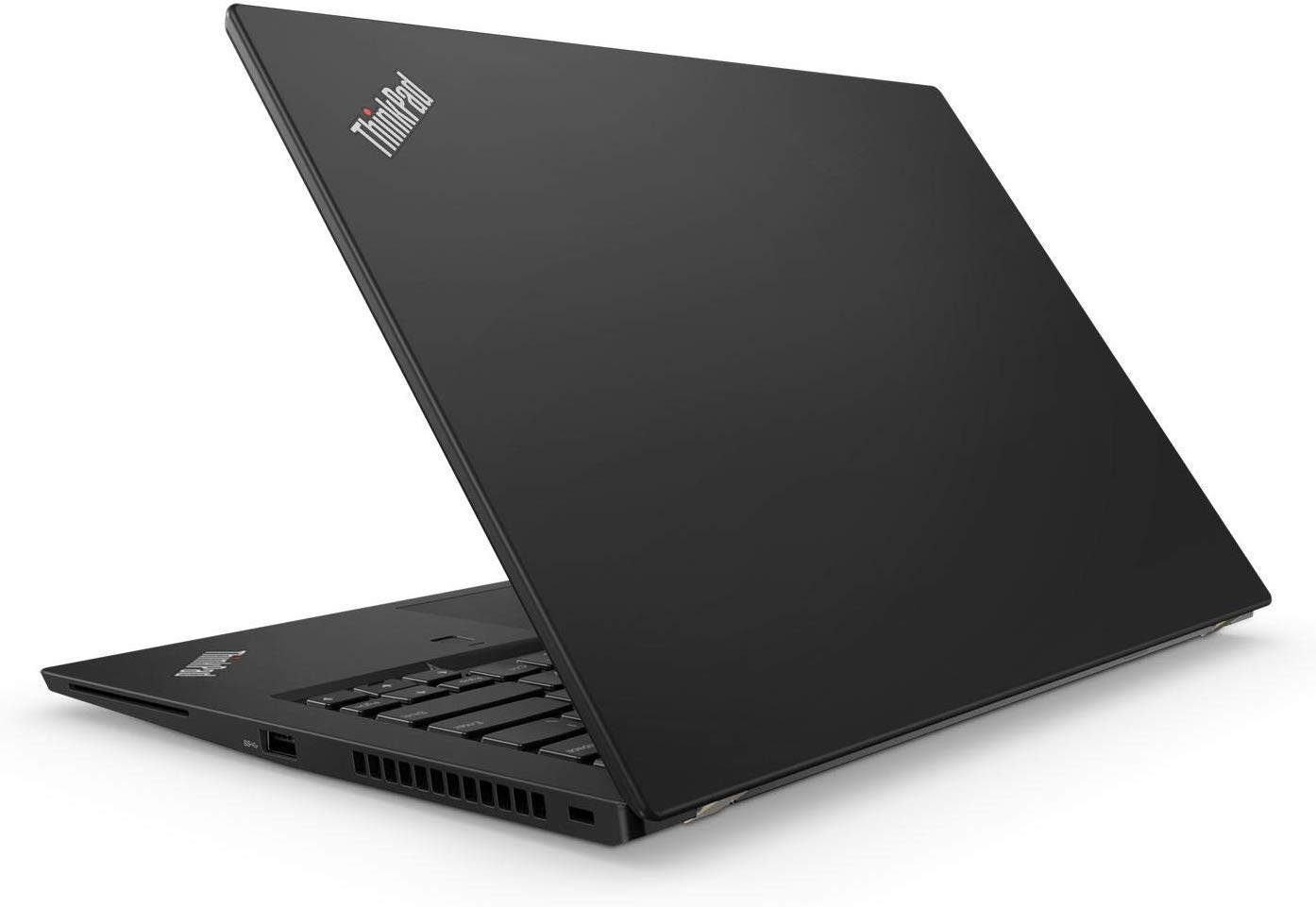
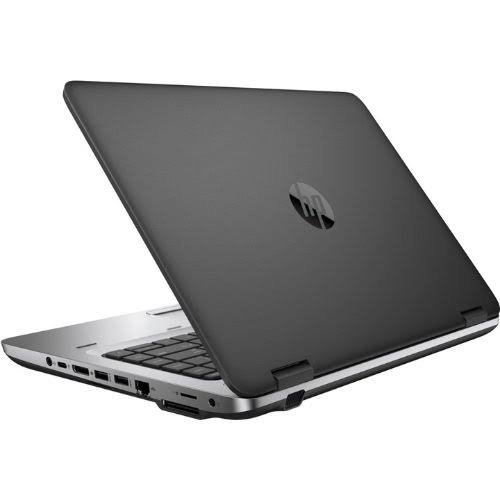

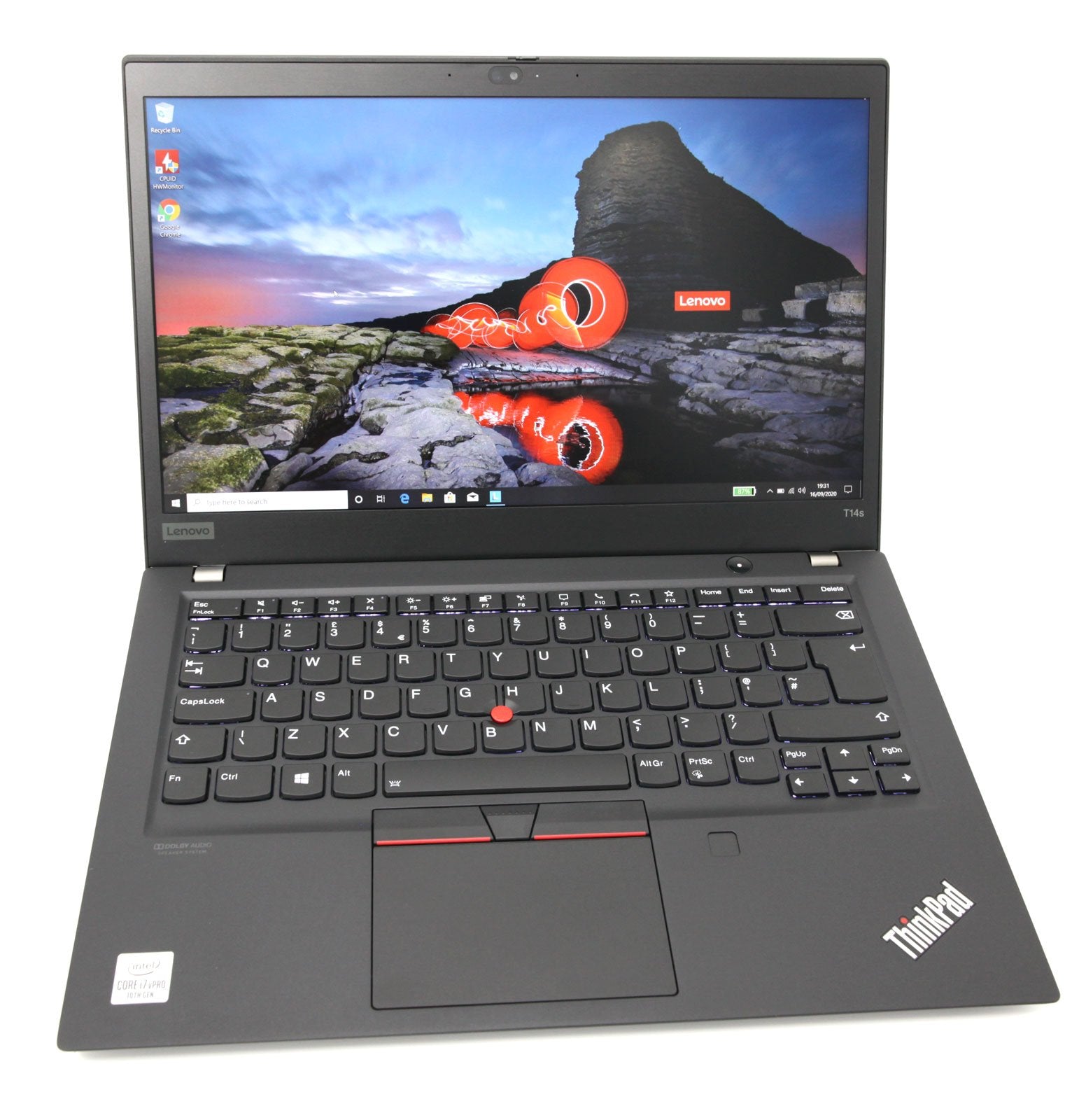

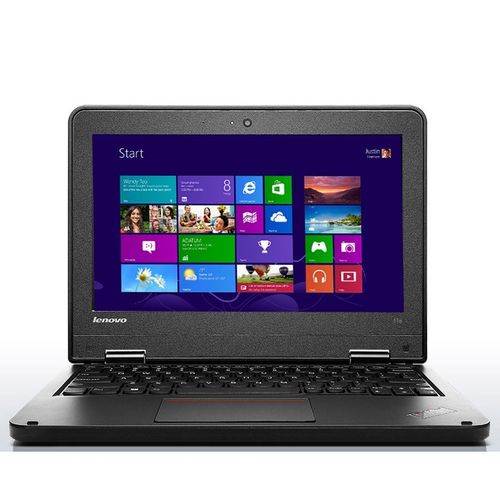
Laptops Under 10K in Kenya: What Buyers Should Expect
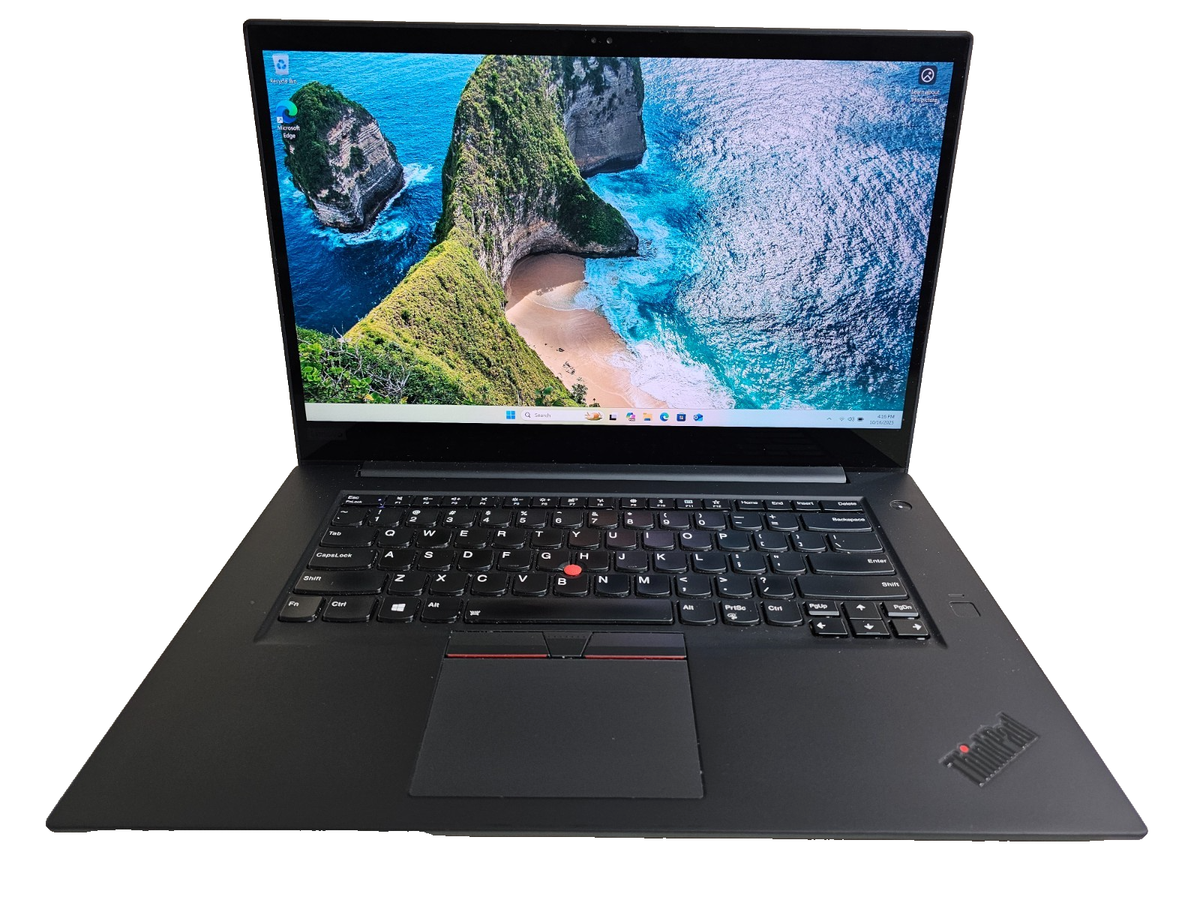
Finding dependable laptops under 10K in Kenya is possible, but buyers need realistic expectations. At this budget, most available machines are older refurbished or pre-owned models designed for light everyday work. They can still be useful for typing assignments, checking email, browsing simple websites, attending online classes and running basic office applications. They are not normally the right choice for modern gaming, heavy video editing, architecture software or demanding programming tools.
Stock changes quickly because affordable units are often sold in small quantities. Contact MubarakTech before travelling so the team can confirm the exact model, condition and current availability. If you can increase your budget slightly, compare the wider selection on our laptops under 15K in Kenya page or browse all laptops available in Kenya.
Who Can Use a Laptop Below KES 10,000?
A low-cost laptop can suit a primary or secondary school learner who needs a simple device for research and assignments. It can also help a college student who mainly types notes, prepares presentations and accesses a learning portal. Small businesses may use an affordable machine for invoices, stock records and email when the software requirements are modest. A first-time computer user can also use one to practise typing, file management and internet skills.
The best buyer is someone who understands the limitations and chooses the device for a clear purpose. Before paying, list the two or three tasks you must complete. Ask the shop to demonstrate those tasks on the exact laptop. This practical test is more useful than choosing a machine only because of its brand name or appearance.
Specifications to Check Before Buying
Processor, memory and storage affect how comfortable a budget laptop feels. Older Intel Core i3, Core 2 Duo, Celeron, Pentium or similar processors may appear in this price range. Their performance varies by generation, so ask for the complete processor name rather than accepting a general label. For basic Windows use, 4GB RAM is more comfortable than 2GB, especially when several browser tabs are open.
Storage may be a traditional hard disk drive or a smaller solid-state drive. An SSD usually makes startup and everyday navigation feel faster. However, capacity may be limited. Confirm how much free space remains after the operating system and essential applications are installed. If you store many photos, videos or school files, plan to use a flash drive, external hard drive or cloud storage.
Battery Condition and Charger Checks
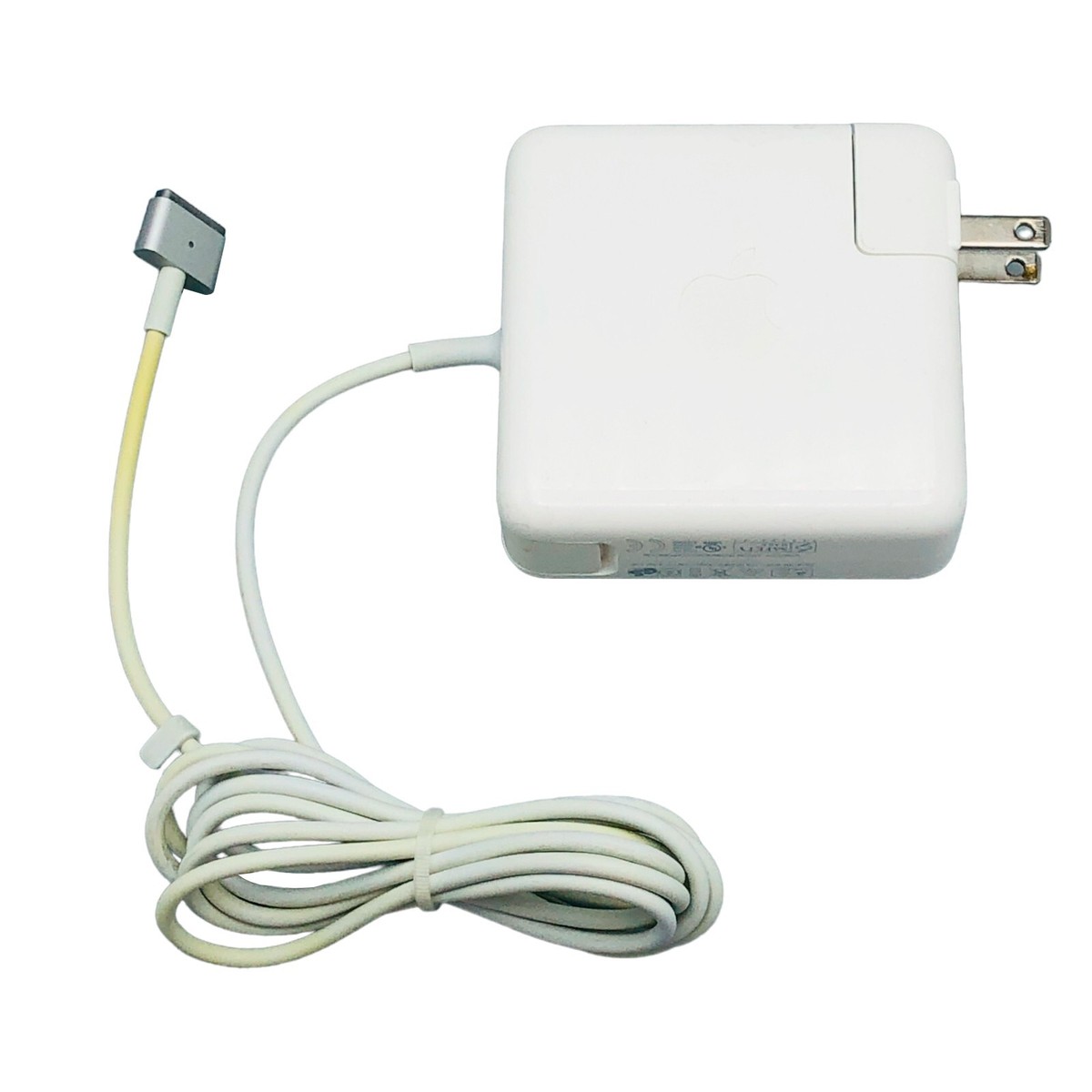
Battery performance is one of the most important checks for an older laptop. A refurbished battery may not provide the same runtime as a new machine. Ask how long the exact unit operates during normal browsing and document work. Test whether it charges consistently, whether the charging port feels firm and whether the supplied charger matches the laptop’s voltage and connector.
If you expect to work away from a power outlet for several hours, a laptop below KES 10,000 may not meet that need. It may still be useful as a desk-based computer for school or shop work. Always judge battery condition on the specific unit because two laptops with the same model number can have different battery health.
Screen, Keyboard and Physical Condition
Open a plain white image and a dark image to check the screen for lines, bright spots, dark patches and flickering. Adjust the brightness and move the lid slowly to ensure the display remains stable. Test every keyboard key, the touchpad buttons, USB ports, headphone socket, Wi-Fi connection and webcam if you need online meetings.
Small scratches and signs of previous use are common on affordable refurbished laptops. Cosmetic wear does not always affect performance, but cracks around the hinges, loose ports or a damaged charging socket can become expensive problems. Inspect the casing carefully and ask what is included in the sale.
Operating System and Software
Confirm which operating system is installed and whether it activates correctly. Very old hardware may not support the newest Windows version smoothly. A lightweight operating system can sometimes offer better performance for browsing and documents. Ask whether the applications you need are already installed or compatible with the machine.
Students should check their school or college requirements before buying. Some examination, design or programming platforms need a newer processor, more memory or a specific Windows version. Buying the cheapest laptop is not a saving if it cannot run the required software.
Internet, Online Classes and Office Work
For online learning, test Wi-Fi, speakers, microphone and webcam. Join a short video call if possible. A budget machine may manage one meeting application well but slow down when many other programs are open. Close unnecessary tabs and keep enough free storage to maintain better performance.
For office tasks, open a document, spreadsheet and PDF to check responsiveness. If you need to handle large spreadsheets, advanced accounting software or many browser-based systems at the same time, consider a stronger laptop with at least 8GB RAM and an SSD.
When to Increase Your Budget
Spend more if you need reliable all-day battery life, faster multitasking, modern security updates or demanding professional software. The jump from KES 10,000 to KES 15,000 or slightly higher can provide better processors, more memory and healthier storage options. It may also give you a wider choice instead of forcing you to accept the only available unit.
Buy according to the total cost of ownership. A very cheap laptop that immediately needs a battery, charger, keyboard or storage replacement may cost more than a better unit purchased once. Ask for the complete price of any recommended upgrade before deciding.
Popular Brands in the Budget Market
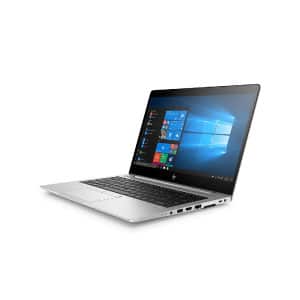
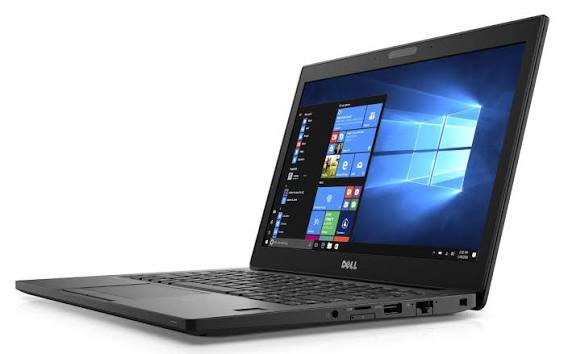
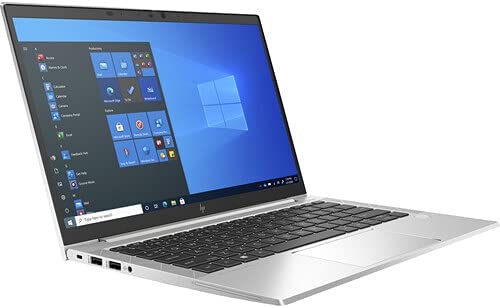
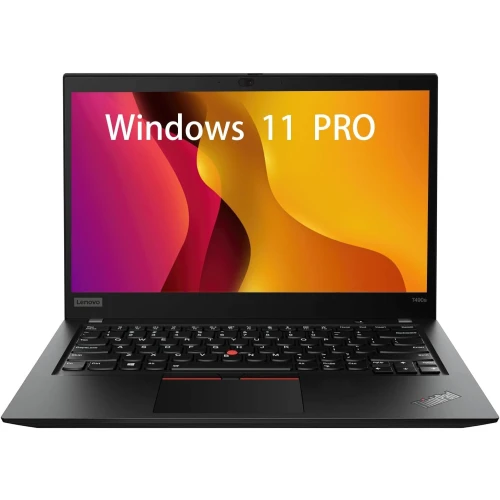
HP, Dell and Lenovo business laptops are common in Kenya’s refurbished market because many models were built for office use and have replaceable parts. Brand alone does not determine value. A well-maintained older Lenovo can be better than a damaged newer HP, and a clean Dell with an SSD can feel faster than a higher-specification unit with a failing hard drive.
Compare the exact model, processor generation, RAM, storage, battery and physical condition. If you are also researching technology offers from another Kenyan store, you may visit Nimtech Kenya for additional product information and comparison. Confirm availability and specifications directly with the store you intend to buy from.
Questions to Ask the Seller
- What is the complete laptop model and processor generation?
- How much RAM and usable storage does it have?
- Is the storage an SSD or a traditional hard drive?
- How long does the battery last on the exact unit?
- Is the charger included and working correctly?
- Do the keyboard, USB ports, Wi-Fi, speakers and webcam work?
- Which operating system is installed and activated?
- Is there a testing period or warranty, and what does it cover?
How to Make an Older Laptop Work Better
Keep startup programs to a minimum, remove applications you do not use and install system updates that the hardware supports. Leave free storage space and avoid opening too many browser tabs. An SSD upgrade and additional compatible RAM can make a noticeable difference, but confirm the upgrade cost and compatibility first.
Use a lightweight browser, scan external files before opening them and back up important school or business documents. Older laptops can remain useful when they are maintained well and matched with simple tasks.
Where to Find Affordable Laptops in Nairobi
MubarakTech helps customers compare available refurbished laptops according to budget and intended use. Because stock and condition can change, contact the shop for current options before visiting. Ask for photos or a video of the exact unit when possible, then test it at the shop before completing the purchase.
If nothing suitable is available below KES 10,000, avoid choosing an unsuitable machine simply to remain within the figure. The under KES 15,000 laptop options may provide better long-term value, while our refurbished laptop selection in Nairobi explains what to check across a wider price range.
Final Checklist for Laptops Under 10K in Kenya
Choose a laptop only after confirming that it can complete your required tasks. Verify the processor, RAM, storage, screen, keyboard, ports, Wi-Fi, battery and charger. Ask about software compatibility and any warranty conditions. Compare the cost of upgrades with a stronger alternative before paying.
Laptops under 10K in Kenya can serve learners, first-time users and small businesses that need basic computing. The best purchase is not necessarily the cheapest-looking offer; it is the tested machine whose limitations are clear and whose condition matches the price.
Frequently Asked Questions
Can I get a good laptop for KES 10,000?
You may find a usable refurbished laptop for basic work, but availability is limited and condition matters more than the advertised brand. Test the exact unit and consider a slightly higher budget if you need reliable daily performance.
Can a laptop under 10K handle online classes?
It can handle light online learning if the Wi-Fi, webcam, microphone and speakers work properly. Test a video call before buying. Performance may slow when several applications or browser tabs run together.
Are these laptops suitable for programming?
They may support simple beginner exercises and lightweight editors, but modern development tools, virtual machines and large projects usually need a newer processor, more RAM and an SSD. Check your course requirements first.
Can I play games on a budget laptop?
Older or simple games may run, but modern gaming normally requires stronger graphics, cooling, memory and processing power. See our gaming laptop options in Kenya for appropriate specifications.
Should I choose an SSD or a larger hard drive?
An SSD generally offers faster startup and a more responsive experience. A hard drive may provide more storage at a lower price. Choose according to whether speed or capacity matters most, and keep a backup of important files.