














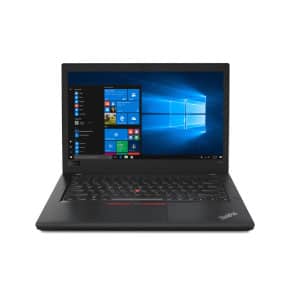
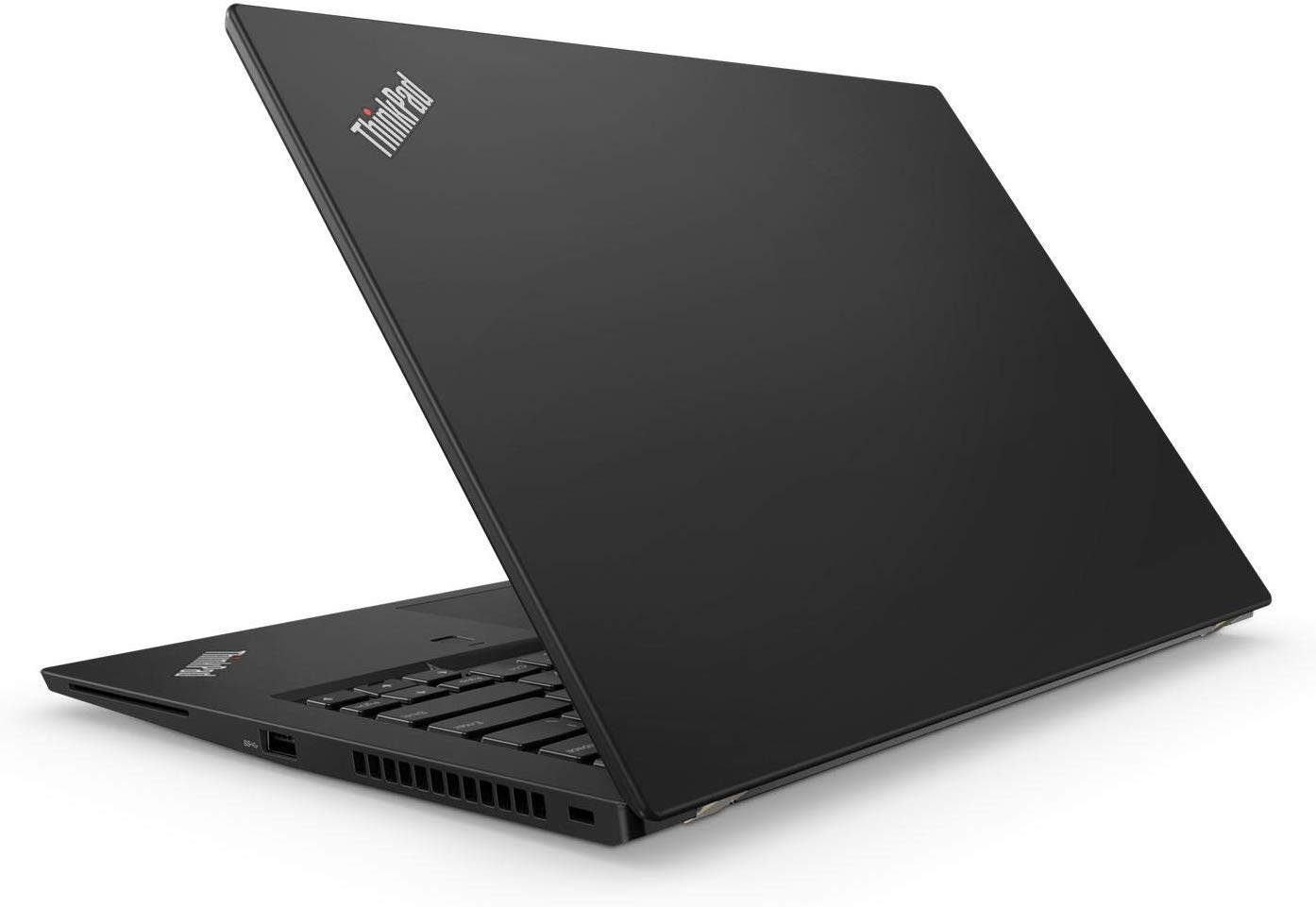
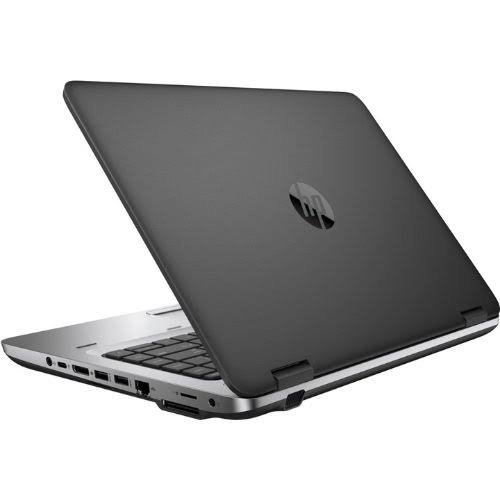
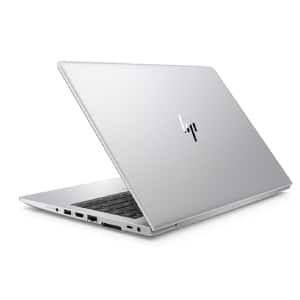
HP ProBook 11E G4 Intel Core i5 8th Gen 8GB RAM 256GB SSD x360 Touchscreen
Condition: Please confirm the exact unit’s condition with us.
Warranty: Ask for the warranty terms for this item before ordering.
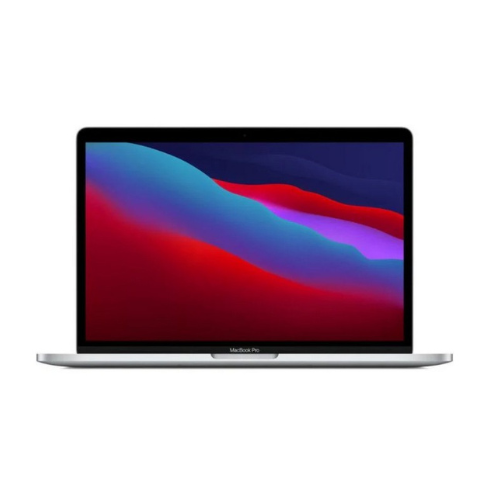
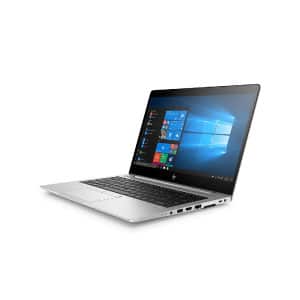
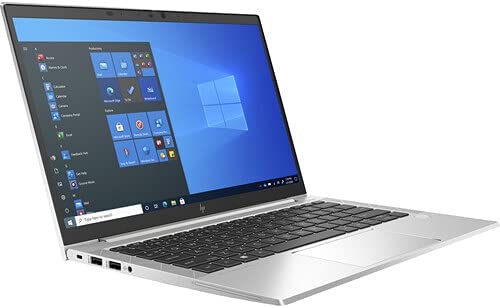
HP ProBook 11E G4 Intel Core i5 8th Gen 8GB RAM 256GB SSD x360 Touchscreen is an HP ProBook convertible business laptop designed for office work, study, remote collaboration and everyday productivity. Its 8th Generation Intel Core i5 processor and 8GB RAM support documents, spreadsheets, browsing, learning platforms and video meetings. The 256GB SSD provides faster startup and file access than a traditional hard drive. Its x360 hinge and touchscreen allow laptop, presentation and tablet-style use. Buyers should confirm the physical condition, battery health, charger, ports and current availability before ordering. This configuration is suitable for students, administrators, remote workers and small businesses that need a practical refurbished HP laptop.
Details
HP ProBook 11E G4 Intel Core i5 8th Gen 8GB RAM 256GB SSD x360 Touchscreen is an HP ProBook convertible business laptop designed for office work, study, remote collaboration and everyday productivity. Its 8th Generation Intel Core i5 processor and 8GB RAM support documents, spreadsheets, browsing, learning platforms and video meetings. The 256GB SSD provides faster startup and file access than a traditional hard drive. Its x360 hinge and touchscreen allow laptop, presentation and tablet-style use. Buyers should confirm the physical condition, battery health, charger, ports and current availability before ordering. This configuration is suitable for students, administrators, remote workers and small businesses that need a practical refurbished HP laptop.
Highlights
Delivery & Returns
You may also like
HP ProBook 11E G4 Intel Core i5 8th Gen 8GB RAM 256GB SSD x360 Touchscreen Buying Guide
Overview
HP ProBook 11E G4 Intel Core i5 8th Gen 8GB RAM 256GB SSD x360 Touchscreen is a refurbished HP convertible laptop for buyers who need flexible everyday productivity. Choosing a refurbished HP laptop begins with the work it must perform. Processor generation affects speed and software support, RAM affects multitasking, and storage type influences startup and file access. Match the configuration to real daily tasks rather than buying only by model family.
Performance
HP ProBook 11E G4 Intel Core i5 8th Gen 8GB RAM 256GB SSD x360 Touchscreen uses an 8th Generation Intel Core i5 processor for documents, browsing, spreadsheets and communication. Closely related HP models can have different processors, memory, storage and display types. Read the complete product title and confirm whether the exact unit is touchscreen, non-touch or convertible. Ask the sales team whenever a specification is unclear.
Memory
HP ProBook 11E G4 Intel Core i5 8th Gen 8GB RAM 256GB SSD x360 Touchscreen includes 8GB RAM for practical multitasking across common office and learning applications. An SSD helps Windows and applications load faster than a traditional hard drive. Available capacity appears slightly lower after formatting and system files. Keep free space for updates, temporary files and smooth daily operation.
Storage
HP ProBook 11E G4 Intel Core i5 8th Gen 8GB RAM 256GB SSD x360 Touchscreen has a 256GB SSD for responsive startup, application loading and file access. Memory capacity determines how comfortably several applications can run together. Eight gigabytes is practical for common documents, browsing and online learning. More demanding professional applications may require additional memory and a newer processor.
Touchscreen and x360 design
HP ProBook 11E G4 Intel Core i5 8th Gen 8GB RAM 256GB SSD x360 Touchscreen combines a touchscreen with an x360 hinge for laptop, presentation, tent and tablet-style use. Battery runtime on refurbished laptops varies with battery age, brightness, wireless activity and workload. Confirm current battery health and keep the correct charger available when working away from a reliable power source.
Ideal users
HP ProBook 11E G4 Intel Core i5 8th Gen 8GB RAM 256GB SSD x360 Touchscreen can suit students, administrators, remote workers and small-business users. A touchscreen is useful for direct navigation, presentations and flexible working. An x360 hinge adds laptop, tent and tablet-style positions. Users should keep the display clean and protect the hinge during transport.
Study and office work
HP ProBook 11E G4 Intel Core i5 8th Gen 8GB RAM 256GB SSD x360 Touchscreen supports research, assignments, reports, email, online meetings and browser-based work. Students can use a suitable HP business laptop for research, assignments, presentations and online classes. Office users can manage email, reports, invoices, spreadsheets and browser-based systems when software requirements match the hardware.
Buying a refurbished unit
HP ProBook 11E G4 Intel Core i5 8th Gen 8GB RAM 256GB SSD x360 Touchscreen should be checked for battery health, cosmetic condition, charger, keyboard, ports and display quality. Buyers planning to use specialised accounting, design, engineering or editing software should check the application requirements before ordering. A business laptop suited to documents may not be suitable for modern gaming or intensive rendering.
Care and maintenance
HP ProBook 11E G4 Intel Core i5 8th Gen 8GB RAM 256GB SSD x360 Touchscreen will perform best with updates, sensible storage use, good ventilation and regular backups. Inspect or confirm the keyboard, touchpad, webcam, speakers, wireless connection, charging port and USB ports. Cosmetic signs of previous use can occur on refurbished stock and should be distinguished from functional problems.
Ordering from MubarakTech
HP ProBook 11E G4 Intel Core i5 8th Gen 8GB RAM 256GB SSD x360 Touchscreen can be ordered after confirming availability, condition, delivery and applicable return terms with MubarakTech. Keep Windows and security software updated. Install applications from trusted sources, remove unnecessary startup programs and create regular backups of important assignments, customer records and personal documents.
Complete HP laptop buying guide
A padded bag protects the laptop during travel. Keep ventilation openings clear and avoid soft surfaces that restrict airflow. Use the correct charger and consult a qualified technician before installing memory or storage upgrades.
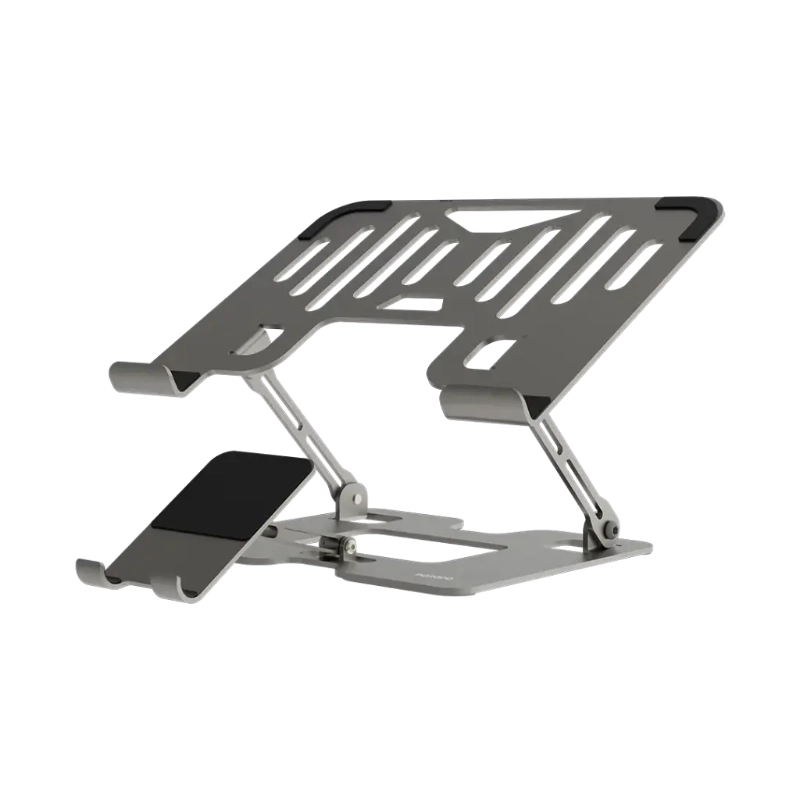
An external mouse, keyboard, monitor or laptop stand can improve comfort during long work sessions. Confirm port compatibility before buying accessories, especially display cables and docking equipment.
Refurbished units with similar names can differ in cosmetic condition and battery performance. Confirm the actual unit, included charger, collection or delivery arrangements, return terms and any applicable warranty before payment.
Current availability and price can change as refurbished stock is sold. Contact MubarakTech before travelling or ordering so the sales team can confirm the unit and answer questions about the stated configuration.
A careful final checklist should cover processor, RAM, storage, screen type, battery, charger, physical condition and intended software. Clear confirmation protects the buyer and helps the shop prepare the correct laptop.
Choosing a refurbished HP laptop begins with the work it must perform. Processor generation affects speed and software support, RAM affects multitasking, and storage type influences startup and file access. Match the configuration to real daily tasks rather than buying only by model family.
Closely related HP models can have different processors, memory, storage and display types. Read the complete product title and confirm whether the exact unit is touchscreen, non-touch or convertible. Ask the sales team whenever a specification is unclear.
An SSD helps Windows and applications load faster than a traditional hard drive. Available capacity appears slightly lower after formatting and system files. Keep free space for updates, temporary files and smooth daily operation.
Memory capacity determines how comfortably several applications can run together. Eight gigabytes is practical for common documents, browsing and online learning. More demanding professional applications may require additional memory and a newer processor.
Battery runtime on refurbished laptops varies with battery age, brightness, wireless activity and workload. Confirm current battery health and keep the correct charger available when working away from a reliable power source.
A touchscreen is useful for direct navigation, presentations and flexible working. An x360 hinge adds laptop, tent and tablet-style positions. Users should keep the display clean and protect the hinge during transport.
Students can use a suitable HP business laptop for research, assignments, presentations and online classes. Office users can manage email, reports, invoices, spreadsheets and browser-based systems when software requirements match the hardware.
Buyers planning to use specialised accounting, design, engineering or editing software should check the application requirements before ordering. A business laptop suited to documents may not be suitable for modern gaming or intensive rendering.
Inspect or confirm the keyboard, touchpad, webcam, speakers, wireless connection, charging port and USB ports. Cosmetic signs of previous use can occur on refurbished stock and should be distinguished from functional problems.
Keep Windows and security software updated. Install applications from trusted sources, remove unnecessary startup programs and create regular backups of important assignments, customer records and personal documents.
A padded bag protects the laptop during travel. Keep ventilation openings clear and avoid soft surfaces that restrict airflow. Use the correct charger and consult a qualified technician before installing memory or storage upgrades.
An external mouse, keyboard, monitor or laptop stand can improve comfort during long work sessions. Confirm port compatibility before buying accessories, especially display cables and docking equipment.
Refurbished units with similar names can differ in cosmetic condition and battery performance. Confirm the actual unit, included charger, collection or delivery arrangements, return terms and any applicable warranty before payment.
Current availability and price can change as refurbished stock is sold. Contact MubarakTech before travelling or ordering so the sales team can confirm the unit and answer questions about the stated configuration.
A careful final checklist should cover processor, RAM, storage, screen type, battery, charger, physical condition and intended software. Clear confirmation protects the buyer and helps the shop prepare the correct laptop.
Additional buying checks
Choosing a refurbished HP laptop begins with the work it must perform. Processor generation affects speed and software support, RAM affects multitasking, and storage type influences startup and file access. Match the configuration to real daily tasks rather than buying only by model family.
Closely related HP models can have different processors, memory, storage and display types. Read the complete product title and confirm whether the exact unit is touchscreen, non-touch or convertible. Ask the sales team whenever a specification is unclear.
An SSD helps Windows and applications load faster than a traditional hard drive. Available capacity appears slightly lower after formatting and system files. Keep free space for updates, temporary files and smooth daily operation.
Memory capacity determines how comfortably several applications can run together. Eight gigabytes is practical for common documents, browsing and online learning. More demanding professional applications may require additional memory and a newer processor.
Battery runtime on refurbished laptops varies with battery age, brightness, wireless activity and workload. Confirm current battery health and keep the correct charger available when working away from a reliable power source.
Customer preparation
A padded bag protects the laptop during travel. Keep ventilation openings clear and avoid soft surfaces that restrict airflow. Use the correct charger and consult a qualified technician before installing memory or storage upgrades.
An external mouse, keyboard, monitor or laptop stand can improve comfort during long work sessions. Confirm port compatibility before buying accessories, especially display cables and docking equipment.
Order via WhatsApp
We will include it in your order message.