














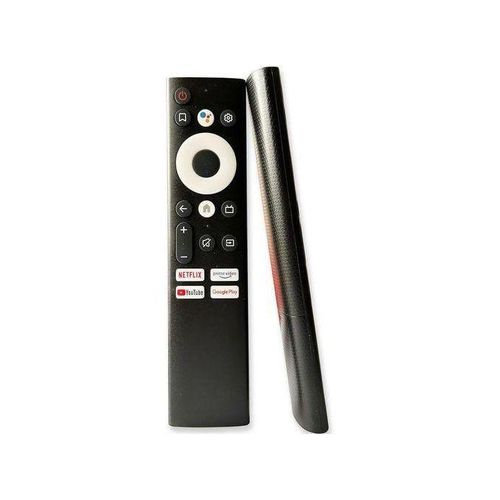
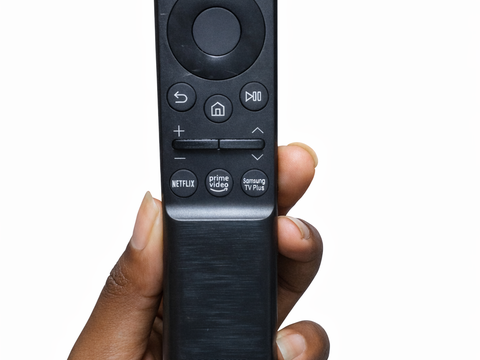

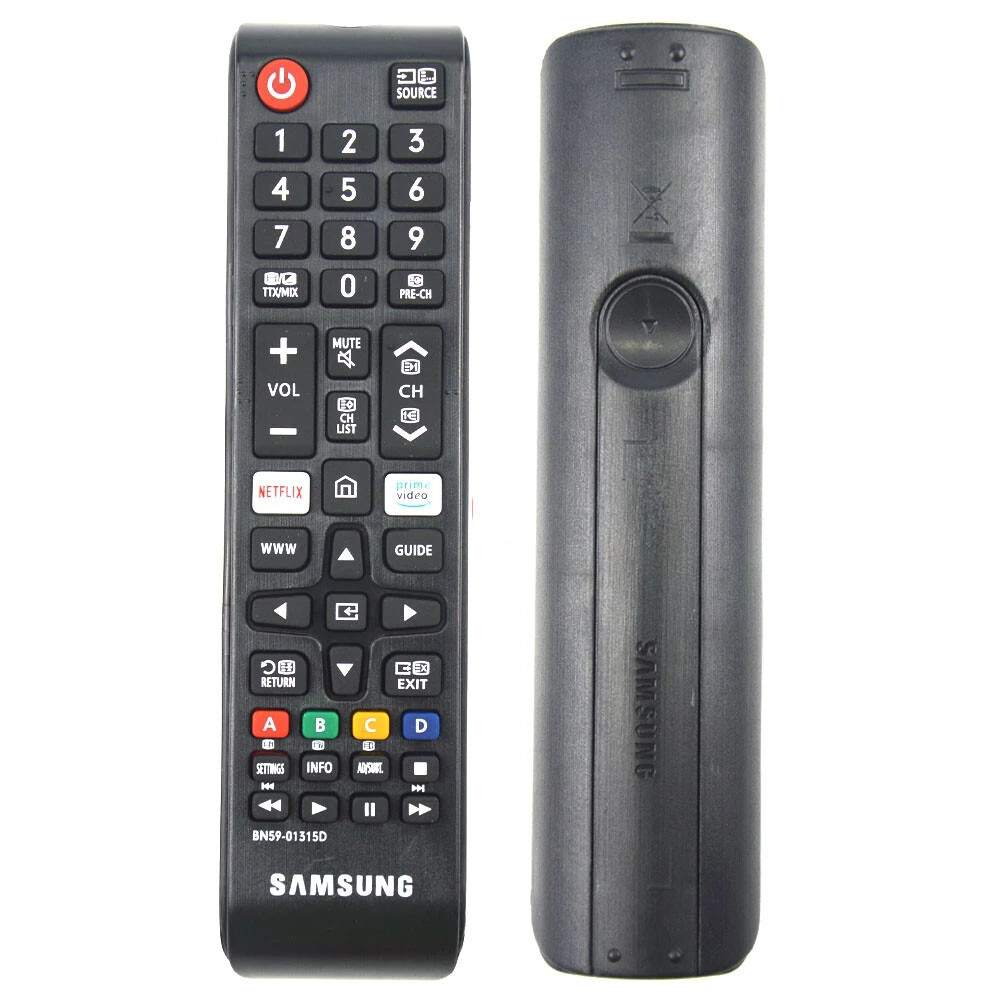
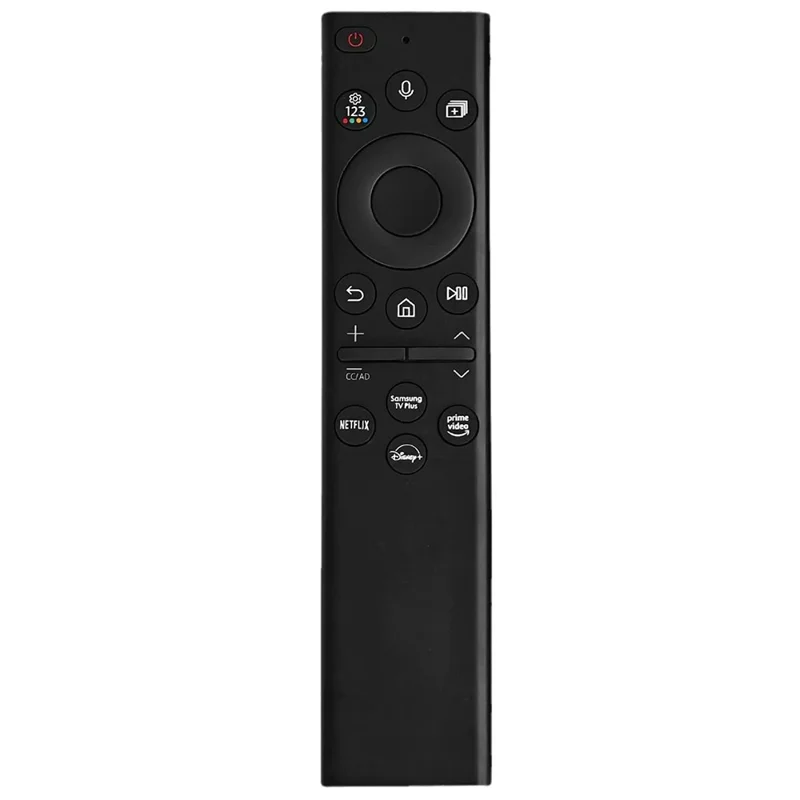


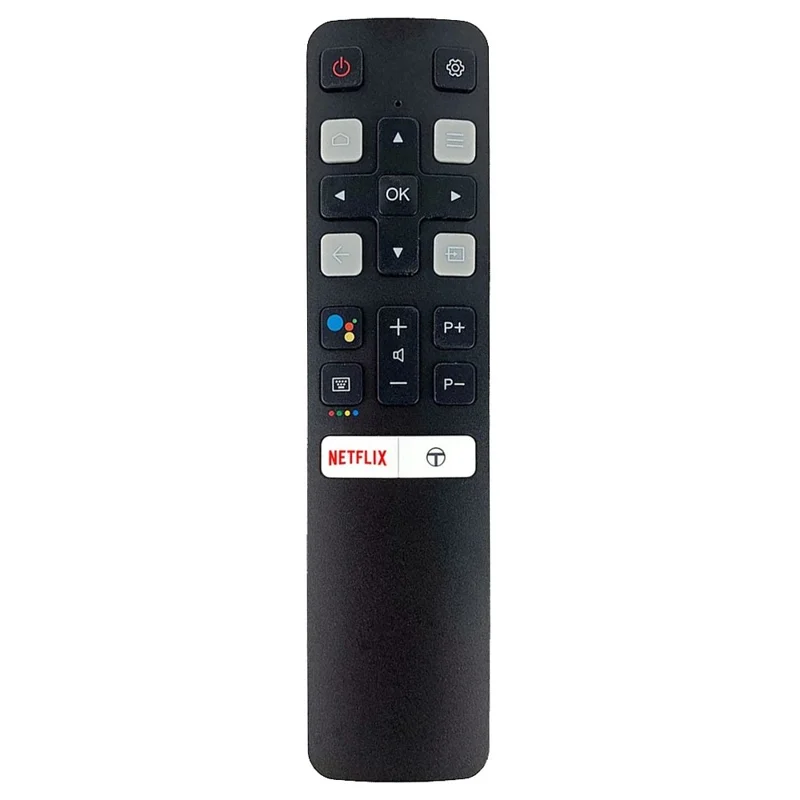
Quick answer: if you need a TV remote replacement in Nairobi, the most important thing is compatibility. A remote must match your TV brand, model, smart TV system, and remote type. Mubarak Tech helps customers compare replacement remotes for Vitron, Samsung, TCL, Hisense, Sony, LG, Android TVs, and other popular TV brands in Kenya. Before buying, send the TV brand, model number, and a photo of the old remote if you have it, so the right replacement can be confirmed.
TV Remote Replacement in Nairobi
A TV remote can stop working for many reasons. It may fall, get water damage, lose buttons, stop sending signal, or simply disappear in the house. For smart TVs, a remote problem can feel even more serious because the remote controls apps, volume, source selection, settings, Wi-Fi setup, and sometimes voice features. Buying the wrong remote wastes time and money, so it is better to compare the correct replacement before paying.
Many customers search for TV remote replacement in Nairobi because they want a quick solution without replacing the whole TV. In most cases, the TV is fine and only the remote needs replacement. The challenge is that not every remote works with every TV. Even if two remotes look similar, they may use different buttons, codes, Bluetooth pairing, voice control, or Android TV functions.
Remote Replacement Guide by TV Brand
| TV Brand or Type | Common Remote Need | What to Confirm |
|---|---|---|
| Vitron TVs | Standard remote, smart Android remote, or replacement for lost/damaged remote. | TV model, button layout, Android functions, and whether the remote needs setup. |
| Samsung TVs | Smart TV remote, normal remote, or universal replacement. | Model number, smart features, source button, Netflix/YouTube buttons, and pairing needs. |
| TCL and Hisense TVs | Smart remote, Android/Google TV remote, or ordinary replacement remote. | Operating system, voice support, Bluetooth pairing, and button compatibility. |
| LG and Sony TVs | Original-style remote, smart remote, or compatible universal remote. | TV series, smart platform, magic/voice remote support, and model number. |
| Android TV boxes and Smart TVs | Air mouse, voice remote, Android remote, or Bluetooth replacement. | Device model, USB receiver, Bluetooth pairing, and voice search compatibility. |
How to Know Which TV Remote You Need
The easiest way to find the correct remote is to check the TV brand and model number. The model number is usually printed on a sticker at the back of the TV. If the old remote is available, take a clear photo of the front and back. The button layout helps identify whether the remote is standard, smart, Android, Bluetooth, voice, or universal.
If you do not have the old remote, do not guess based only on the TV size. A 32-inch TV and a 43-inch TV from the same brand may use different remotes depending on the model. Some smart TVs need remotes with home, app, source, menu, and navigation buttons. Others can work with a simpler replacement remote. Sending the model number before buying reduces the risk of choosing the wrong one.
Vitron TV Remote Replacement
Vitron remotes are among the most requested TV remote replacements in Kenya. Many customers own Vitron TVs because they are affordable and common in homes, rentals, shops, and offices. If your Vitron remote is lost or damaged, first confirm whether your TV is a normal LED TV or a smart Android TV. Smart models may need extra buttons for apps, home screen, input selection, and navigation.
If you use a Vitron TV, our Vitron remote guide can help you understand common buttons, setup, and replacement checks. You can also browse available options in the TV remotes in Kenya category.
Samsung Smart TV Remote Replacement
Samsung TV remotes vary depending on the model. Some Samsung TVs use a standard infrared remote, while newer smart models may use slimmer smart remotes with fewer buttons. Some functions may require pairing or specific smart remote compatibility. If you buy a remote that only turns the TV on and off but cannot control apps properly, it may not solve the full problem.
Before buying a Samsung TV remote replacement, confirm the model number, screen type, and whether your TV uses a smart remote. Check if you need voice control, Netflix button, YouTube button, source button, or menu navigation. If you are not sure, send a photo of the TV model sticker and the old remote if available.
TCL, Hisense, LG, and Sony Remote Replacement
TCL and Hisense TVs are popular in Kenya, especially among buyers who want smart TV features at a good price. Their remotes may look similar to other Android TV remotes, but compatibility is not always guaranteed. Some models use Bluetooth or voice pairing, while others use standard infrared. Always check the exact model before buying.
LG and Sony remotes also vary by model. Some LG TVs use magic remotes, while some Sony TVs use Android or Google TV remotes with voice functions. A basic universal remote may control power and volume, but it may not support every smart feature. If smart features matter to you, choose a compatible replacement instead of the cheapest option.
Universal TV Remotes: When They Work
A universal TV remote can be useful if you need basic control for power, volume, channels, menu, and source. It can be a good emergency option when the original remote is not available. However, universal remotes may not support every smart TV feature. App shortcuts, voice search, Bluetooth pairing, and special settings may not work on all universal remotes.
If you only need basic functions, a universal remote may be enough. If you use smart apps every day, choose a remote designed for your TV brand or platform. The best choice depends on how you use the TV. A customer who only watches local channels may need a different remote from someone who uses YouTube, Netflix, Showmax, or a TV box every day.
Signs Your TV Remote Needs Replacement
- Buttons no longer respond: some buttons may stop working because of wear or internal damage.
- The remote works only very close to the TV: this can happen when the infrared sensor is weak or blocked.
- Battery area is damaged: battery leakage can corrode the contacts.
- The remote is physically broken: cracks, missing buttons, or water damage can make it unreliable.
- Smart functions no longer work: pairing, voice control, or app navigation may fail.
- The remote is lost: replacement is usually cheaper than struggling with TV buttons.
What to Try Before Buying a New Remote
Before replacing the remote, try fresh batteries and confirm they are inserted correctly. Clean the battery contacts if there is corrosion. Check whether anything is blocking the TV sensor. For infrared remotes, point the remote directly at the TV. You can also test the remote camera signal using a phone camera on some infrared remotes. If the remote is Bluetooth or voice-enabled, try pairing it again using the TV instructions.
If the remote still fails after these checks, replacement is usually the faster option. Do not keep forcing damaged buttons because it can make the remote worse. If the TV itself is not responding to any remote, the issue may be with the TV sensor or software, not the remote. In that case, the TV may need checking.
How to Buy the Right Remote from Mubarak Tech
To avoid buying the wrong remote, prepare three things before contacting or visiting Mubarak Tech: the TV brand, the TV model number, and a photo of the old remote if available. If the remote is missing, send a photo of the TV sticker at the back. If the TV is a smart TV, mention whether you use apps like YouTube, Netflix, Showmax, or Android TV features.
You can start by checking TV remotes in Kenya. If you are buying a remote because you recently bought or repaired a TV, you can also compare related TV guides such as TV prices in Kenya and TV brands in Kenya.
FAQs About TV Remote Replacement in Nairobi
Can I buy any remote for my TV?
No. Not every remote works with every TV. You should match the remote to the TV brand, model, smart platform, and remote type.
Do universal remotes work on smart TVs?
Some universal remotes work for basic functions, but they may not support all smart features, voice control, app shortcuts, or Bluetooth pairing.
What details should I send before buying?
Send the TV brand, model number, and a photo of the old remote. If the old remote is lost, send a photo of the sticker at the back of the TV.
Can I replace a Vitron smart TV remote?
Yes, but confirm whether your Vitron TV is a normal LED TV or a smart Android TV. Smart models may need a compatible remote with the right navigation and app buttons.
Is a replacement remote cheaper than repairing the old one?
In many cases, yes. If the remote has water damage, missing buttons, corrosion, or broken parts, replacement is usually faster and more practical.
Bottom line: the best TV remote replacement in Nairobi is the one that matches your TV model and daily use. Confirm compatibility before buying, then choose a remote that controls the features you actually need.