














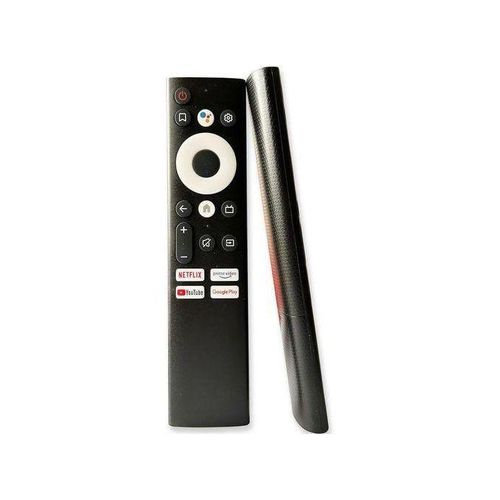
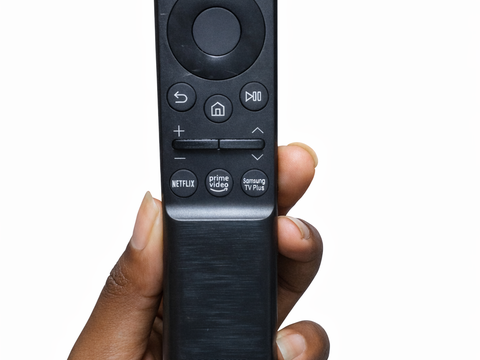

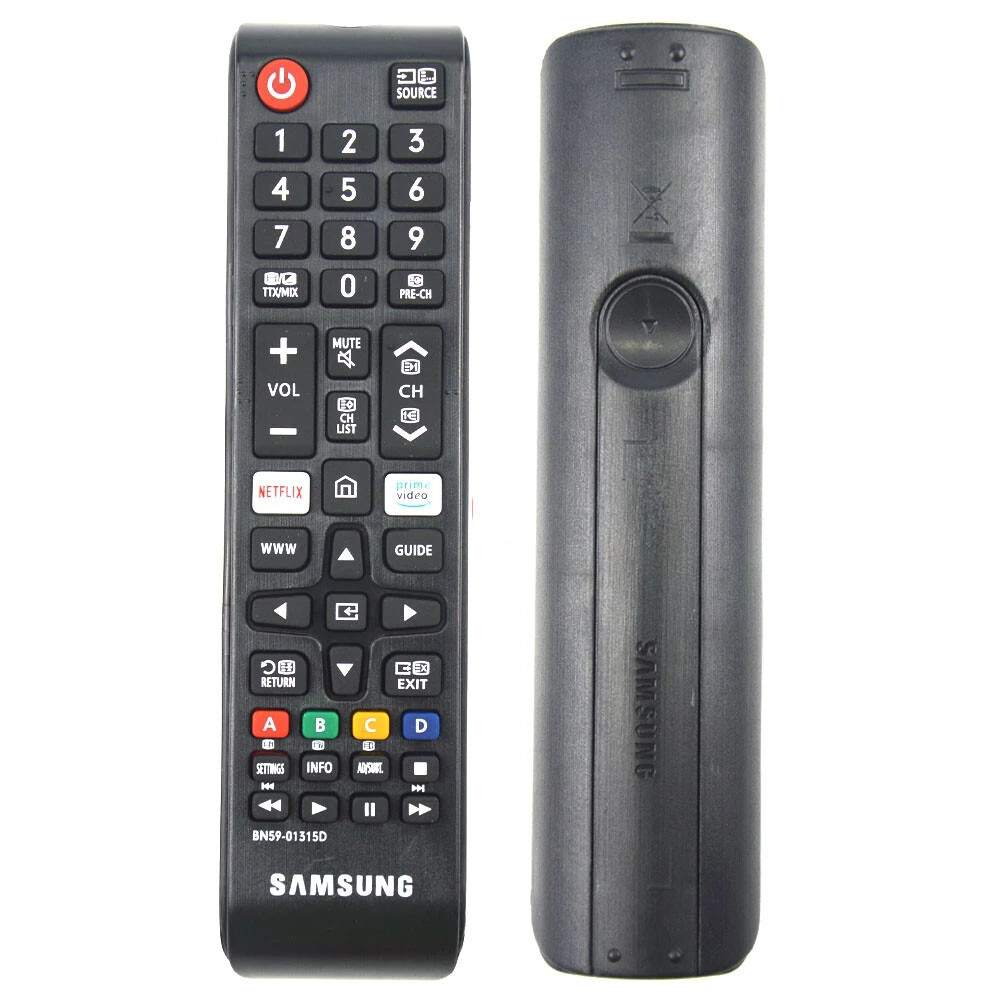
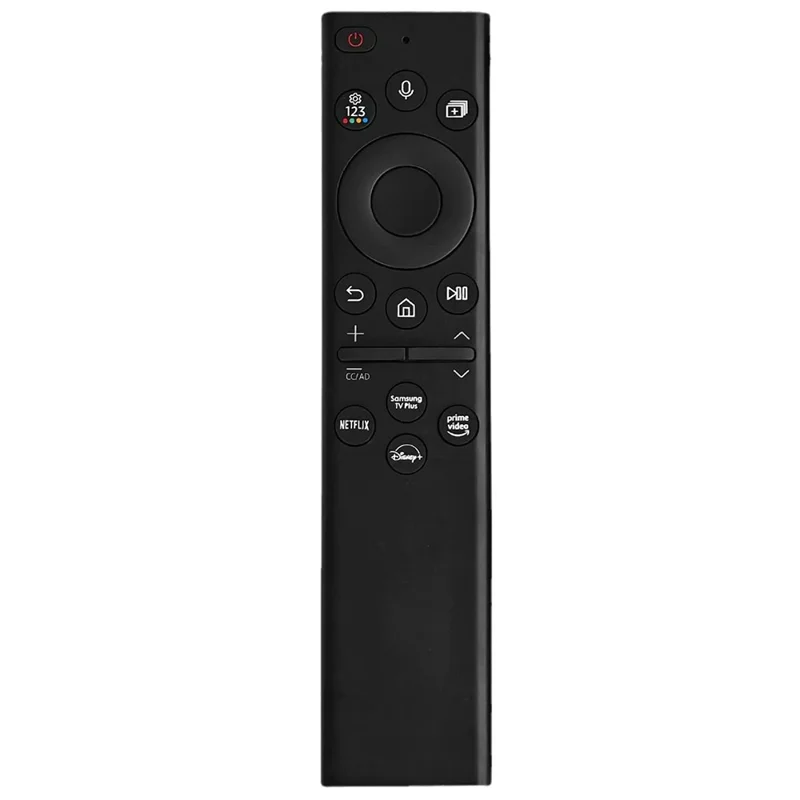


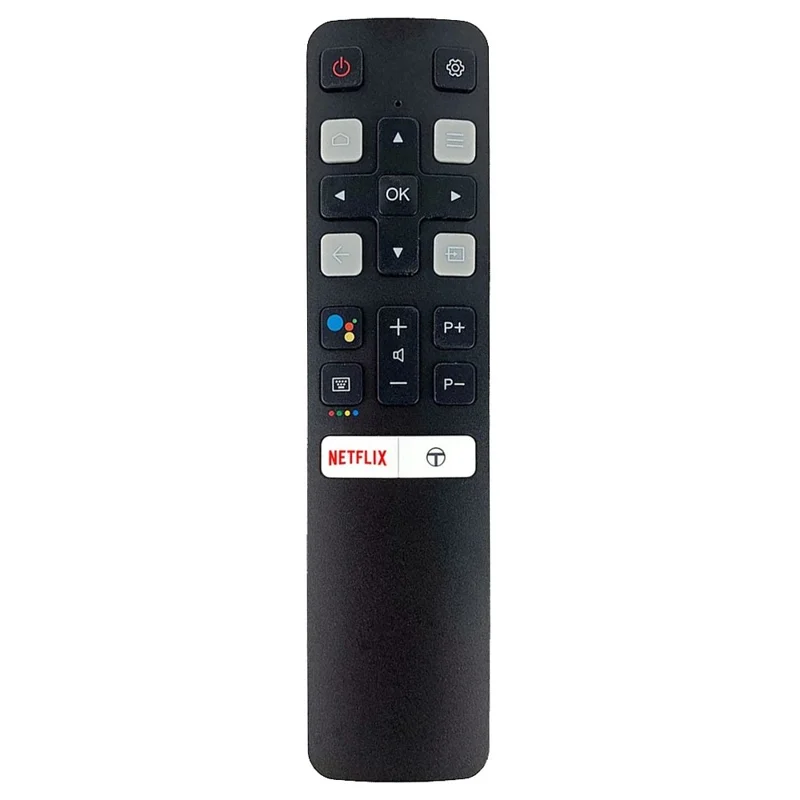
Learn how to use a Vitron TV remote, understand every important button, change HDMI or input, solve common remote problems, and choose a compatible replacement remote in Kenya.
Vitron TVs are common in homes, shops, offices, schools, rentals, and entertainment spaces in Kenya. A working remote makes everyday TV use easier because you can change volume, switch source, open menus, adjust picture settings, move through apps, and control the TV without using the buttons on the television. If your current remote is missing or damaged, you can compare replacement options at Mubarak Tech.
Vitron Remote Buttons and What They Do
| Button | What It Usually Does | When You Need It |
|---|---|---|
| Power | Turns the TV on or off. | Daily TV control. |
| Volume | Increases or reduces sound. | Watching normal channels, movies, and apps. |
| Source or Input | Changes between HDMI, AV, USB, TV, and other inputs. | Using a decoder, TV box, laptop, or game console. |
| Menu or Settings | Opens TV settings for picture, sound, network, and channels. | Adjusting display, sound, Wi-Fi, and setup options. |
| Direction keys and OK | Move through menus and select options. | Smart TV apps, settings, and channel lists. |
| Home or Smart | Opens the smart TV home screen where supported. | Using apps and Android TV features. |
How to Use a Vitron TV Remote for Normal Viewing
Start by switching on the TV using the power button. If you are watching normal TV channels through an aerial, use the channel buttons or the number buttons. If you use a decoder, the Vitron remote mainly controls the TV volume, source, menu, and power. The decoder remote may still be needed for decoder channels and decoder menus.
If there is no picture from your decoder or TV box, press the Source or Input button and choose the correct HDMI or AV option. Many customers think the TV is faulty when the wrong source is selected. If your decoder is connected to HDMI 1, choose HDMI 1. If it is connected to AV, choose AV.
How to Use a Vitron Smart TV Remote
For smart Vitron TVs, the home button opens the smart TV menu where apps and settings are usually found. Use the direction keys to move left, right, up, and down, then press OK to select. The back button normally returns to the previous screen, while the menu or settings button helps you adjust picture, sound, network, and app settings.
If an app is slow, first check your internet connection. If the TV connects by Wi-Fi, open network settings and confirm the connection. If the remote direction buttons are not responding well, try new batteries and make sure the TV sensor is not blocked. Smart TV menus can feel difficult when the remote buttons are weak or worn.
How to Change Source on a Vitron TV
Changing source is important when using a decoder, laptop, gaming console, DVD player, TV box, or CCTV display. Press Source or Input, then use the direction buttons to choose HDMI, AV, USB, or TV depending on where your device is connected. Press OK to confirm.
If you are not sure which source to choose, check the cable behind the TV. HDMI cables usually go into ports labelled HDMI 1, HDMI 2, or HDMI 3. AV cables use the red, white, and yellow connectors. USB is used for flash disks and media files. Choosing the right source can solve many “no signal” problems.
When the Vitron Remote Is Not Working
- Try fresh batteries: weak batteries are the most common cause of slow response.
- Check battery direction: make sure the plus and minus sides are placed correctly.
- Clean battery contacts: corrosion can stop power from reaching the remote.
- Clear the TV sensor: objects in front of the TV can block the remote signal.
- Move closer to the TV: distance and angle can affect remote response.
- Check for water damage: tea, water, and soda can damage the remote circuit.
When You May Need a Replacement Vitron Remote
You may need a replacement remote if important buttons no longer work, the remote was badly dropped, the battery contacts are damaged, the remote got wet, or the original remote is missing. Replacing the remote is usually cheaper and faster than replacing a working TV.
If you need a replacement, compare the Vitron remote price in Kenya guide and the Vitron Smart Android TV Remote. You can also browse more TV remotes in Kenya if you want to compare other brands and remote types.
How to Confirm the Right Replacement
Before buying a replacement, check the model number on your Vitron TV. You can usually find it on a sticker at the back of the television. If the old remote is still available, take a clear photo of the front and back. If there is a code printed on the remote, bring or send it when asking for help.
Do not choose by screen size only. Two Vitron TVs can have the same size but use different remote layouts or smart functions. The model number, old remote design, and buttons you use every day are more useful than screen size when choosing a replacement.
Vitron Remote for Decoder Users
If you use a decoder, remember that the Vitron remote controls the TV, while the decoder remote controls decoder channels and decoder menus. Use the Vitron remote for TV power, volume, source, picture settings, and sound settings. Use the decoder remote for changing decoder channels, opening decoder guide menus, and managing decoder settings.
If the TV says “no signal,” check whether the decoder is on, confirm the cable is connected, and choose the correct TV source. If sound is low, increase the TV volume with the Vitron remote and also check the decoder volume. Sometimes both devices have separate volume levels.
Vitron Remote for Hotels, Shops, Offices, and Rentals
In shared spaces, remotes get lost or damaged more often because many people use the same TV. A spare Vitron remote can be useful in hotels, shops, salons, offices, schools, rental houses, restaurants, and waiting areas. It helps staff or guests control the TV without struggling with small buttons on the television.
For business use, choose a remote that is simple, durable, and compatible with the TV model. If customers, students, staff, or guests use the TV, make sure the basic buttons are easy to understand: power, volume, source, menu, direction keys, and OK.
Simple Setup Checklist
When setting up the TV, first connect your decoder, TV box, laptop, or other device properly. Then switch on the TV and choose the correct source. If you are using HDMI, test HDMI 1, HDMI 2, or HDMI 3 depending on where the cable is connected. If you are using old AV cables, make sure the red, white, and yellow cables are connected to the matching ports.
After choosing the correct source, adjust volume and picture settings. If the image looks too dark, open the picture menu and increase brightness carefully. If sound is unclear, check both TV volume and decoder volume. A working remote makes these small adjustments easy, which is why replacing a damaged remote can improve the full viewing experience.
Buying Advice Before Replacing the Remote
Before paying for a replacement, confirm whether you need a normal remote or a smart Android TV remote. A normal remote may be enough for power, volume, source, menu, and channel control. A smart remote is better when you use apps, home screen navigation, Wi-Fi settings, and smart TV menus.
If you are not sure, ask for help using the TV model number and a photo of the old remote. A small compatibility check can save money and time because the right remote should work with the buttons you use every day, not only power and volume.
Care Tips for a Vitron Remote
- Keep the remote away from water, tea, soda, and food.
- Use good batteries and replace weak batteries early.
- Do not press buttons too hard when they become slow.
- Avoid dropping the remote on tiles or concrete floors.
- Remove batteries if the remote will not be used for a long time.
- Keep it in one known place so it does not get lost easily.
FAQs About Using a Vitron Remote
How do I change HDMI on a Vitron TV?
Press Source or Input, choose the HDMI port where your device is connected, then press OK.
Why is my Vitron remote not responding?
Try new batteries, clean the battery contacts, move closer to the TV, and make sure nothing is blocking the TV sensor.
Can I use any Vitron remote on my Vitron TV?
No. Some Vitron TVs use different remotes. Confirm the TV model number and old remote layout before buying.
Where can I buy a Vitron TV remote in Kenya?
You can compare Vitron remote options and other TV remotes at Mubarak Tech before ordering.
Should I replace the remote or the TV?
If the TV works and only the remote is lost, damaged, or unreliable, replacing the remote is usually the practical first step.
A good Vitron remote should make the TV simple to use again. Confirm compatibility, choose the right source, use the correct buttons, and replace the remote when it can no longer control the TV properly.