














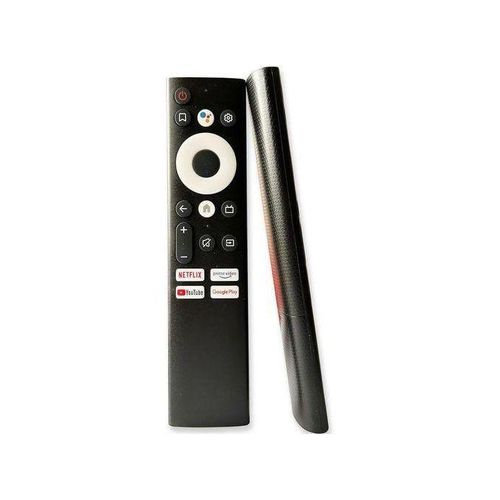



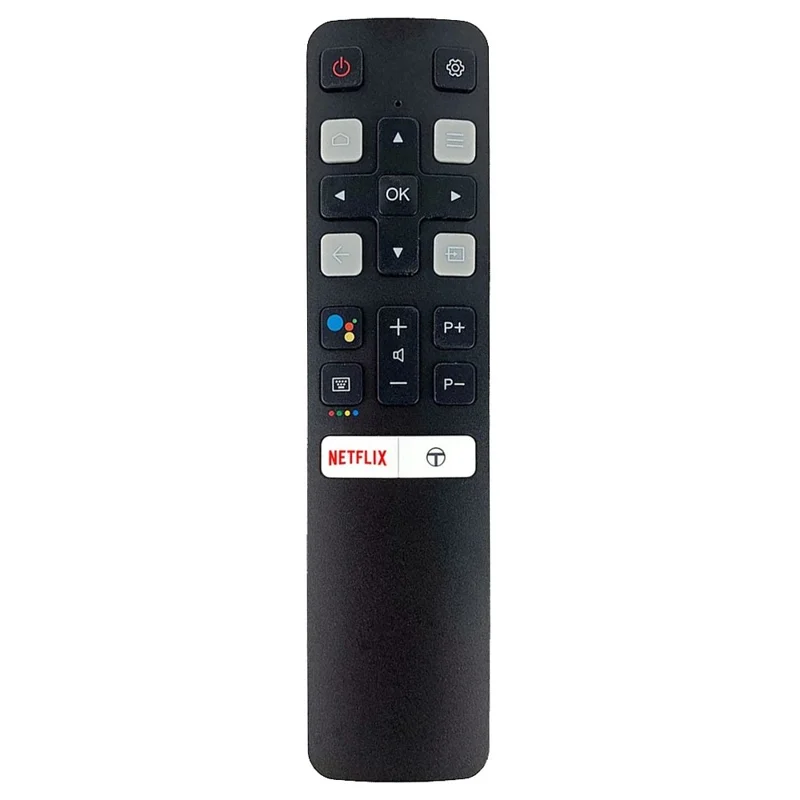
Vitron remote price in Kenya depends on the type of remote you need, the TV model, smart TV features, button layout, and whether you are replacing a basic remote or a smart Android TV remote. Many customers look for a Vitron remote when the original remote is lost, damaged, water-spoiled, or no longer responds well. A good replacement remote helps you continue using your TV without replacing the television.
At Mubarak Tech, customers can compare practical TV remote options and choose a replacement that fits daily use. Compatibility is the most important part. Some remotes look alike, but the buttons, signals, and smart functions can be different. Before buying, check the model number on your Vitron TV, look at the old remote if you still have it, and confirm the functions you use most.
Vitron Remote Price in Kenya: What Affects the Cost?
The price of a Vitron remote in Kenya can change depending on whether it is a basic TV remote, a smart Android TV remote, or a replacement with app and navigation controls. Basic remotes are usually more affordable because they handle simple functions like power, volume, source, channel, menu, and settings. Smart remotes can cost more if they support home screen navigation, app shortcuts, Android TV menus, and extra smart TV controls.
Price can also be affected by stock, build quality, button design, and how closely the remote matches your TV model. The best choice is not always the cheapest one. A remote that works properly with the TV functions you use every day gives better value than a low-priced remote that only works for some buttons.
Vitron Remote Buying Guide
| Remote Type | Best For | What to Confirm |
|---|---|---|
| Basic Vitron remote | Normal TV control such as power, volume, menu, and source. | TV model, infrared support, and button layout. |
| Vitron smart Android remote | Smart TVs with apps, home screen, Android menus, and navigation. | Home button, back button, direction keys, and app controls. |
| Universal remote | Simple replacement when the exact remote is not available. | Whether it controls the main functions you need. |
| Spare remote | Homes, offices, shops, hotels, schools, and shared TV areas. | Compatibility with the specific Vitron TV model. |
How to Choose the Right Vitron Remote
Start by checking the model number on your TV. You can usually find it on a sticker at the back of the television. If the old remote is available, compare the button layout and any code printed on the remote. A clear photo of the old remote can also help when confirming compatibility.
Do not choose a remote only because the TV screen size looks similar. A 32-inch Vitron TV and a 43-inch Vitron TV may use different remotes depending on the series and smart TV platform. The TV model, original remote layout, and smart features are more useful than screen size when choosing a replacement.
Vitron Smart Android TV Remote
If you want a direct replacement option, compare the Vitron Smart Android TV Remote. It is listed in the TV remotes in Kenya category and can be a useful option for customers who need a compatible replacement for daily TV use.
Before ordering, confirm whether your TV uses Android TV functions, app navigation, source switching, menu controls, and standard remote buttons. If you mainly need power, volume, home, back, direction keys, menu, and source, a compatible smart remote can restore normal use quickly. If your TV requires voice control or Bluetooth pairing, ask before buying so the remote matches the feature you expect.
Common Signs You Need a Replacement Remote
- Buttons only work sometimes: worn buttons can make volume, power, and navigation unreliable.
- The remote was dropped: internal parts can loosen after hard falls.
- Water or tea entered the remote: liquid damage can affect the circuit board.
- The battery area is rusty: corrosion can stop power from reaching the remote.
- The TV responds slowly: weak signal or damaged buttons may be the cause.
- The remote is missing: a replacement can be easier than struggling with TV buttons.
Check These Before Buying Another Remote
Before replacing your Vitron remote, try fresh batteries and make sure they are inserted correctly. Clean the battery contacts gently if you see dirt or corrosion. Also check that nothing is blocking the TV sensor. Sometimes a decoder, soundbar, decoration, or TV stand item can block the signal.
If the remote still does not work, test whether the TV buttons respond. If the TV itself works normally and only the remote is failing, replacing the remote is usually the practical first step. If the TV has other problems such as no power, no display, or no sound, the remote may not be the only issue.
When a Vitron Replacement Remote Makes Sense
A replacement remote makes sense when your TV is working but control has become difficult. You may still be able to switch on the TV manually, but changing source, opening apps, adjusting settings, or moving through menus becomes frustrating without a working remote. A compatible replacement helps restore normal viewing, streaming, HDMI switching, and menu control.
It is also useful for shared spaces. Homes with children, offices, shops, salons, restaurants, rentals, schools, and guest rooms often need spare remotes because many people use the same TV. Keeping a spare remote can prevent delays and reduce stress when the original remote gets misplaced.
What Customers Should Send or Bring
To get help faster, send the TV model number, a photo of the old remote, and a photo of the TV label if possible. If the old remote is missing, the TV label becomes very important. These details help confirm whether the replacement remote is likely to support the controls you need.
If you visit the shop, explain how you normally use the TV. Mention whether you use a decoder, HDMI device, Android apps, Wi-Fi streaming, TV box, USB media, or normal channels. The right remote depends on the features you use every day.
Vitron Remote for Android TV Users
Smart Android TV users should pay closer attention to the home button, back button, direction keys, OK button, source button, and app navigation. These controls make it easier to open apps, change settings, connect devices, and move through menus. If these buttons are missing or unsupported, the remote may not feel convenient even if power and volume work.
Some customers mainly need simple control for watching decoder channels. Others need smart controls for YouTube, apps, Wi-Fi settings, and streaming. Confirming your daily use before buying helps you choose the right remote and avoid disappointment.
How Vitron Remotes Compare with Other TV Remotes
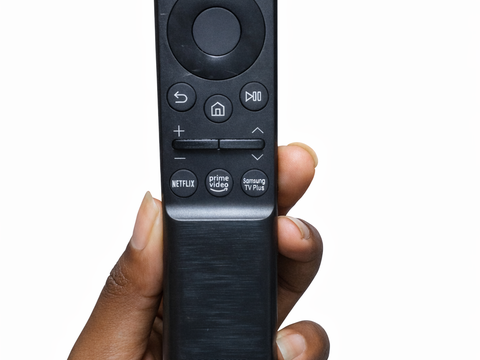
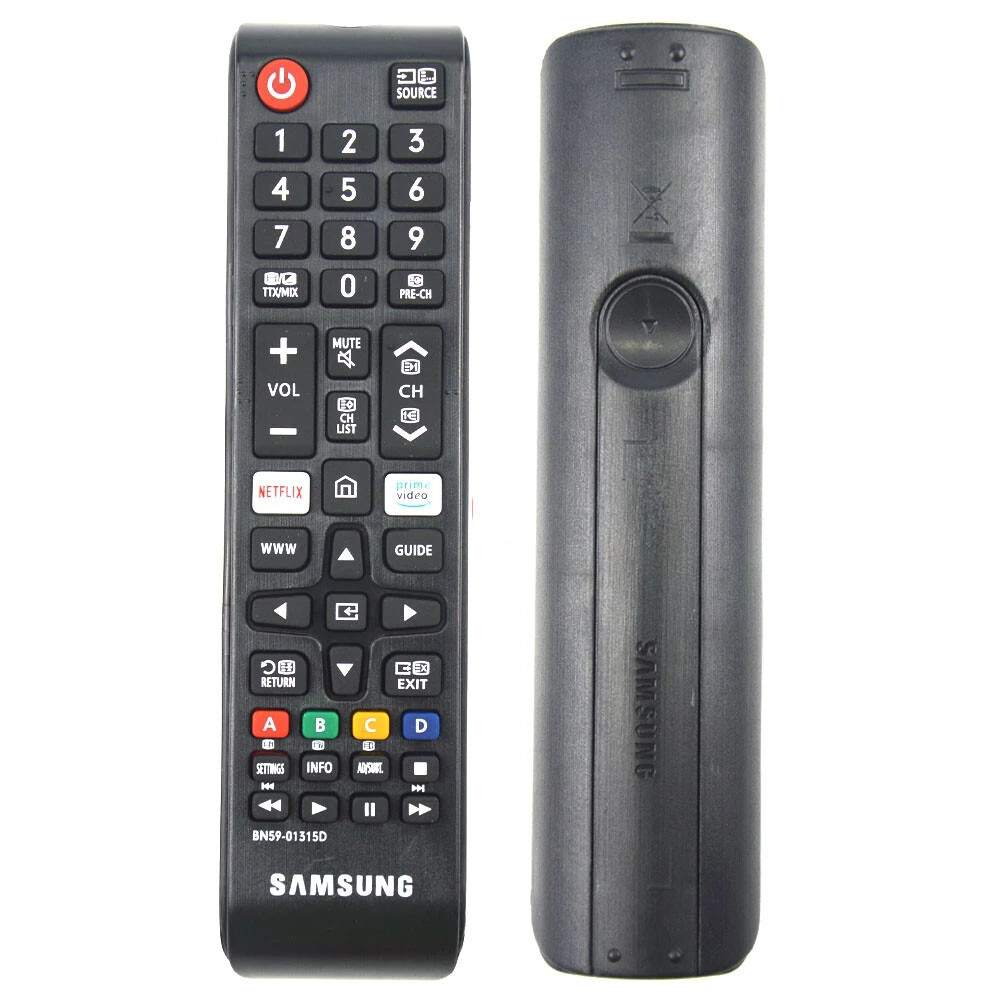
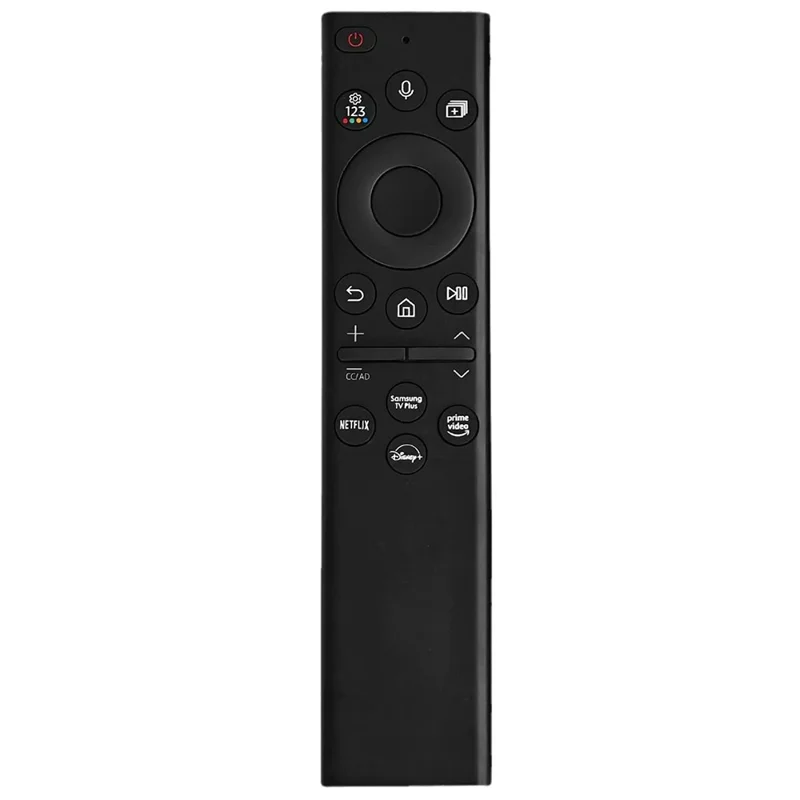
Vitron remotes may look similar to remotes for other TV brands, but that does not mean they will work the same way. Samsung, TCL, Syinix, and Vitron remotes can have similar colors and button shapes while using different signals or different smart TV controls.
When comparing options, check the brand, model support, button layout, smart TV functions, and whether the remote controls source, menu, and navigation properly. A good replacement remote is the one that controls the functions you actually use, not just the one that looks closest in a photo.
Why Buy from Mubarak Tech?
Mubarak Tech helps customers compare TV remotes and choose practical replacements for daily use. You can compare Vitron, Samsung, TCL, Syinix, and other remote options in one place. The goal is to help you buy a remote that works with your TV and supports the controls you need most.
If you are comparing other remote brands, read the Samsung TV remote price in Kenya, TCL TV remote price in Kenya, and Syinix remote price in Kenya guides. These pages can help you compare options before buying.
Care Tips for Longer Remote Life
- Use good batteries and replace weak batteries early.
- Keep the remote away from water, tea, soda, and food.
- Avoid dropping the remote on tiles or hard floors.
- Remove batteries if the remote will not be used for a long time.
- Clean the battery contacts gently if you notice corrosion.
- Keep the TV sensor area clear so the signal reaches the TV.
FAQs About Vitron Remote Price in Kenya
Can any Vitron remote work on any Vitron TV?
No. Vitron TVs can use different remotes depending on the model and features. Confirm your TV model before buying.
Can I use a universal remote for a Vitron TV?
A universal remote can work for basic functions on some TVs, but it may not support all smart Android TV controls. Confirm first.
What should I check before buying?
Check the TV model number, old remote design, home button, source button, navigation keys, and the features you use every day.
Where can I buy a Vitron remote in Kenya?
You can compare available TV remotes at Mubarak Tech and confirm compatibility before ordering.
Should I replace the remote or repair it?
If the remote is water-damaged, badly worn, missing, or unreliable, replacing it is often the faster and more practical option.
Choose a Vitron remote that matches your TV model and daily viewing habits. The right replacement should make power, volume, source, apps, settings, and navigation easy again.