














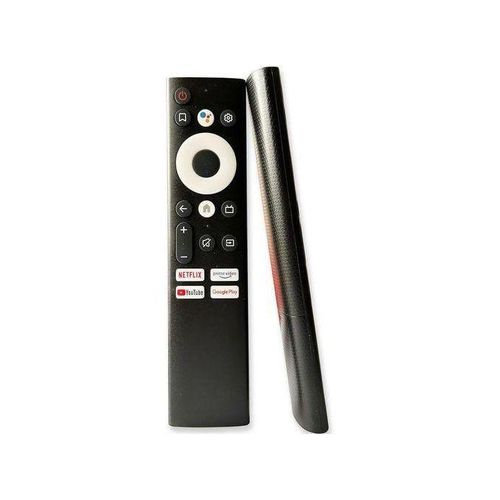
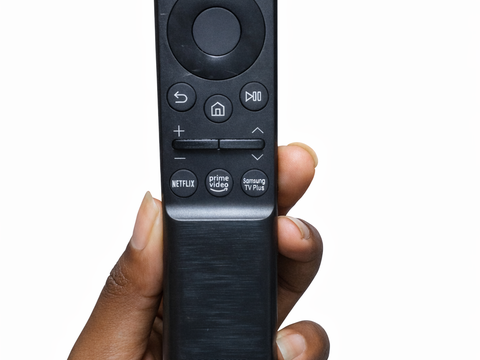

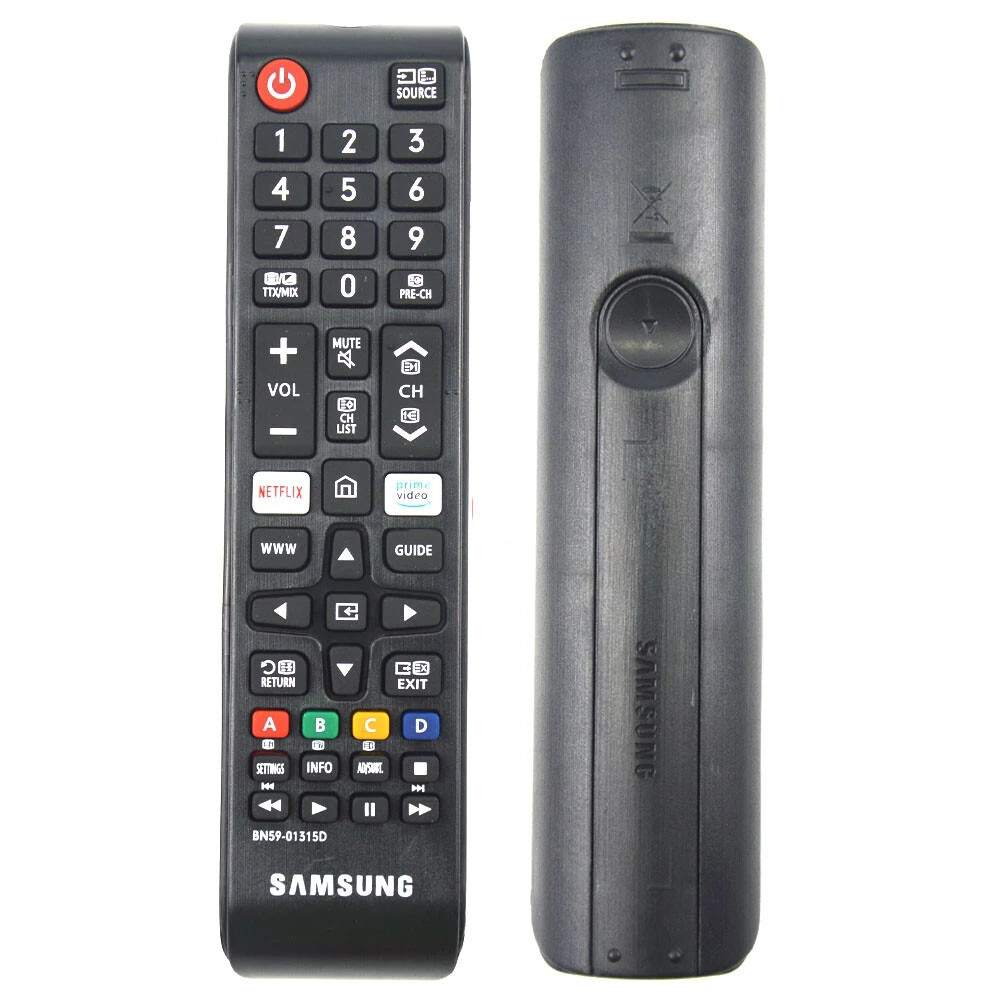
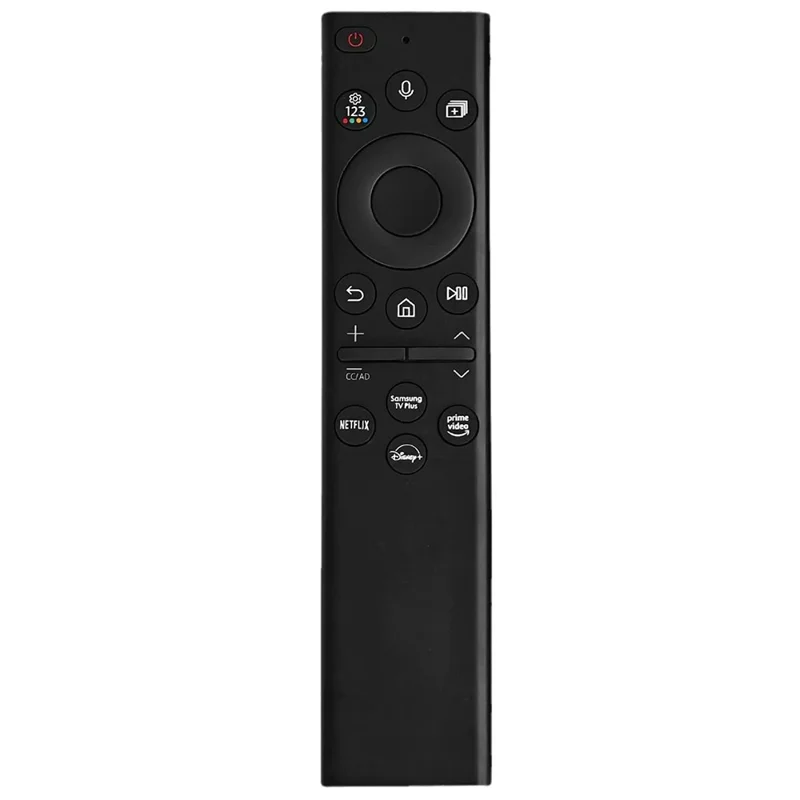


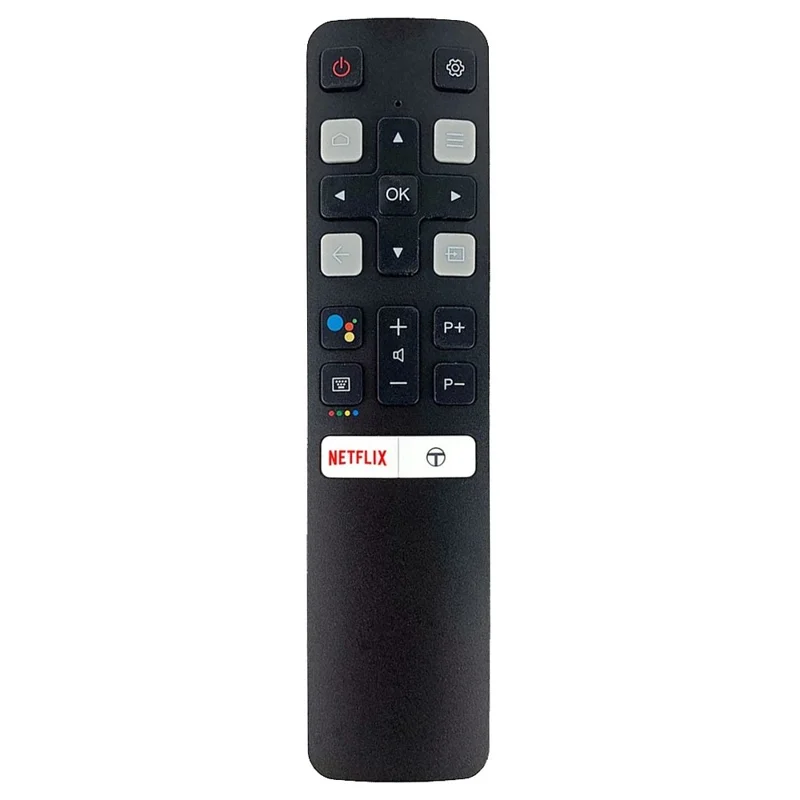
Samsung TV remote price in Kenya depends on the remote type, TV model, smart features, voice control, Bluetooth pairing, and whether you need a standard replacement remote or a smart Samsung remote. Many customers only realize how important the remote is when it gets lost, damaged, or stops responding. A good replacement remote should control power, volume, source, menu, apps, navigation, and the smart features you use every day.
At Mubarak Tech, customers can compare Samsung TV remote replacement options before buying. The most important thing is compatibility. A remote can look similar to your old one but fail to work fully if it does not match your Samsung TV model. Before paying, check the model number on your TV, take a photo of your old remote if available, and confirm whether your TV uses a standard infrared remote, smart remote, or voice remote.
Samsung TV Remote Price in Kenya: What Affects the Cost?
The price of a Samsung TV remote in Kenya changes depending on the remote model and features. A basic replacement remote is usually more affordable because it mainly controls power, volume, channels, source, menu, and navigation. A smart TV remote may cost more if it supports app shortcuts, Bluetooth, voice control, pairing, or special Samsung smart TV functions.
The exact Samsung TV model also matters. Some Samsung TVs use common BN59-series remotes, while others need specific remote designs. Newer smart TVs may use slim remotes with fewer buttons, while older models may use larger remotes with number keys and more direct controls. If you are not sure, do not choose by appearance only. Confirm compatibility first.
Samsung Remote Buying Guide
| Remote Type | Best For | What to Confirm |
|---|---|---|
| Standard Samsung remote | Basic TV control, volume, source, menu, channels, and settings. | TV model number, button layout, infrared sensor, and source/menu controls. |
| Samsung smart TV remote | Smart TVs using YouTube, Netflix, apps, Wi-Fi setup, and menu navigation. | Smart TV model, home button, app buttons, pairing, and navigation support. |
| Samsung voice remote | Newer Samsung TVs that support voice search and Bluetooth control. | Bluetooth pairing, voice support, TV generation, and exact remote model. |
| Universal remote for Samsung TV | Basic replacement when original remote is not available. | Whether it controls the features you need, not just power and volume. |
How to Know Which Samsung Remote You Need
The best way to identify the correct Samsung remote is to check the TV model number. You can usually find it on a sticker at the back of the TV. The model number helps confirm whether the TV needs a standard remote, smart remote, BN59-series remote, voice remote, or another compatible option. If the old remote is available, take a clear photo of the front and back.
Do not rely only on screen size. A 32-inch Samsung TV and a 55-inch Samsung smart TV may use different remotes. Also, two Samsung remotes may look almost the same but have different model codes or pairing requirements. If you use Netflix, YouTube, Showmax, source switching, HDMI devices, or a soundbar, make sure the replacement remote can support the controls you actually use.
Samsung BN59 Remote Replacement
Many Samsung TV owners in Kenya search for BN59 remotes because this model family is common on Samsung TVs. BN59 remotes can differ by exact code, button layout, and TV compatibility. Some are standard remotes, while others support smart TV controls. If your old Samsung remote has a BN59 code, note the full code before buying a replacement.
You can browse available Samsung remote options from the TV remotes in Kenya category. Some Samsung remote product pages include models such as Samsung Smart TV Remote BN59 Series and Samsung AA59 remote control. Check availability and compatibility before ordering.
Samsung Smart TV Remote Replacement
Samsung smart TV remotes are important because they help customers access apps, settings, Wi-Fi, HDMI sources, and smart TV menus. If your Samsung TV is smart, a very basic remote may turn it on and change volume, but it may not give you the full experience. You may still struggle to open apps, change sources, type, or navigate settings.
Before buying a smart remote, confirm whether your TV uses infrared, Bluetooth, or a paired smart remote. Some Samsung smart remotes need pairing before they work properly. If the TV has voice features, confirm whether the replacement supports voice or only basic control. A remote that matches the smart features of your TV saves time and frustration.
Samsung Voice Remote: What to Check
Some newer Samsung TVs use remotes with voice control. These remotes may connect through Bluetooth and may need pairing. If you buy a remote that looks similar but does not support the voice function, you may lose an important feature. Voice control is useful for searching YouTube, opening apps, changing settings, and navigating faster.
If you need voice control, mention it before buying. Confirm the TV model, remote code, and pairing requirements. If voice is not important to you, a standard compatible remote may be enough. The right choice depends on how you use the TV every day.
Universal Samsung TV Remotes
A universal remote can work for many Samsung TVs, especially when you only need basic control. It can be a practical option if the original remote is not available or if you need a quick replacement. However, universal remotes do not always support every smart TV function. Some may not open app menus properly, may not support voice, and may not pair through Bluetooth.
Universal remotes are best for customers who mostly watch normal channels, use a decoder, change volume, and switch sources. If you stream content, use smart apps, or need special Samsung controls, a remote designed for your TV model is usually better.
Common Problems Before Replacing a Samsung Remote
- Dead batteries: always try new batteries before buying a replacement.
- Dirty battery contacts: corrosion can stop the remote from working.
- Blocked TV sensor: objects in front of the TV can block infrared remotes.
- Pairing issue: smart remotes may need to be paired again.
- Water damage: liquid can damage buttons and internal circuits.
- Worn buttons: volume, power, source, and navigation buttons often wear out first.
What to Send Before Buying
To help confirm the correct Samsung TV remote, send the TV model number, a photo of the old remote, and a short note about the features you need. Mention whether the TV is smart, whether you use apps, whether you need voice control, and whether the old remote had a BN59 or AA59 code. If the old remote is lost, send a photo of the sticker at the back of the TV.
This small step can prevent buying the wrong remote. It also helps the shop recommend a compatible option faster. Customers who bring the TV model or old remote usually have an easier time finding the correct replacement.
Where to Buy Samsung TV Remotes in Kenya
Mubarak Tech helps customers compare Samsung TV remote options, TV remote replacements, and compatible remotes for different TV brands. Start by checking the TV remotes category. If you are not sure whether you need a Samsung remote or a broader replacement option, read the TV remote replacement Nairobi guide.
If you use another TV brand, the Vitron remote guide can help with Vitron models, while the main TV remote category helps you compare different replacement choices. The goal is to buy a remote that works with your TV and supports the features you need, not just any remote that looks similar.
Who Should Buy a Samsung Replacement Remote?
A Samsung replacement remote is useful for customers who lost the original remote, bought a second-hand Samsung TV without a remote, damaged the remote buttons, or need better control for smart TV apps. It is also useful for hotels, shops, offices, schools, and homes where the TV is used by many people and remotes wear out faster. Buying the right replacement makes the TV easier to use and can save you from replacing a working television.
FAQs About Samsung TV Remote Price in Kenya
Can any Samsung remote work on any Samsung TV?
No. Some basic remotes may work on many Samsung TVs, but smart features, voice control, and pairing may require a more specific compatible remote.
What is a BN59 Samsung remote?
BN59 is a common Samsung remote model series. The exact code matters, so check the full code on the old remote before buying a replacement.
Do Samsung smart remotes need pairing?
Some smart and voice remotes may need pairing, especially if they use Bluetooth. Standard infrared remotes usually do not need pairing.
Should I buy a universal remote for Samsung TV?
A universal remote can work for basic controls, but it may not support all Samsung smart TV features. If you use apps or voice control, confirm compatibility first.
What should I check before buying a replacement remote?
Check the TV model number, old remote code, smart features, voice support, button layout, and whether the remote controls the apps and settings you use.
Choose a Samsung TV remote that matches your exact TV and daily use. A compatible remote makes it easier to control apps, settings, sources, volume, and smart features without replacing the TV.